Put your Microsoft Email + Calendar time tracking on autopilot

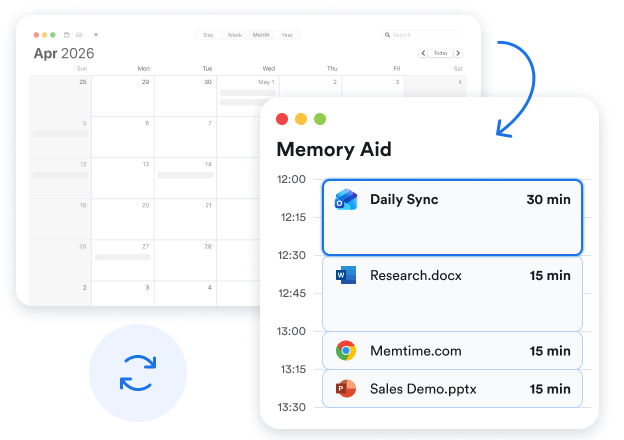
Connect Microsoft Calendar with Memtime to automatically sync your calendar events, track emails sent from your phone, and view email details from the Outlook desktop app in your Memory Aid. Time tracking happens automatically in the background so you never have to think about it.

No credit card required

No credit card required

Microsoft Email + Calendar time tracking by Memtime

Automated

Memtime is a desktop app that runs autonomously in the background and captures your time in all programs.
Connect unlimited calendars

Unlimited

Connect as many Microsoft Calendars as you want. All of your calendar events will be synced with Memtime.

Detailed

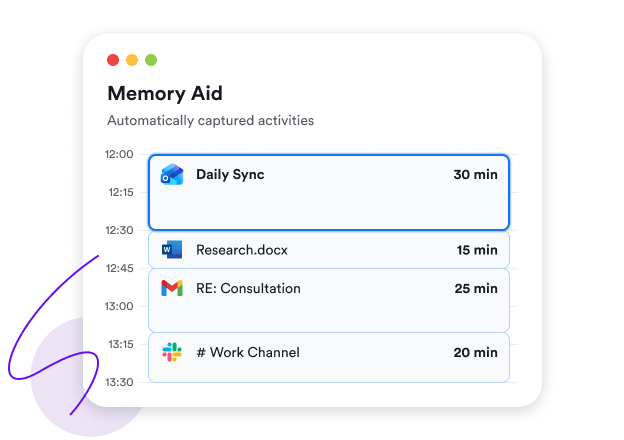
See email details (subject, recipients, message) from the Outlook desktop and mobile apps in your Memory Aid.

Why automate Microsoft Email + Calendar time tracking?

Get organized, recover untracked billables, and stay on top of your time

Single source of truth

Remembering is hard – that’s why we have tools like Microsoft Email + Calendar to keep track of everything going on. Think of Memtime as your superhuman assistant keeping tabs on your appointments and filling in the gaps with email details from the Outlook desktop and mobile apps, while also documenting your time in every browser tab. You can rely on Memtime to reconstruct your day with precision.
Memtime’s Memory Aid
Microsoft Email + Calendar working hours

Accurate work hours

Your workday involves more than just meetings and emails. Memtime is there to capture and document your time in meetings, emails, documents, programs, files, etc. down to the minute. You’ll see how long you actually worked on any given day side by side with your calendar events and email details.

Fast project time entry

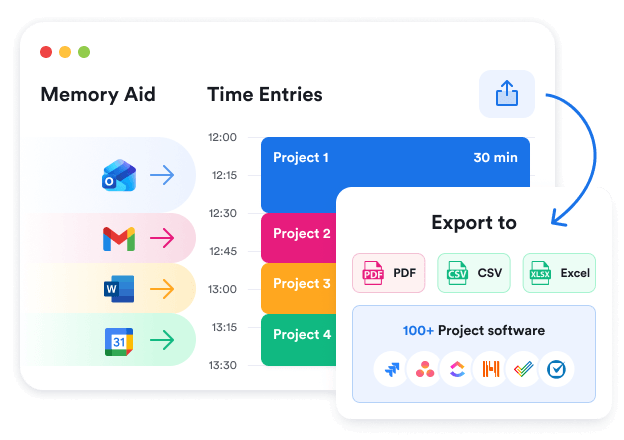
Logging hours on projects and tasks is hard when you can’t remember your day in detail, let alone which email you sent to whom and when. With automatic time tracking, you don’t have to worry about remembering your day as it’s done for you. You can see your Microsoft Email + Calendar events, match them to automatically captured activities, and log project times faster.
Memtime’s Memory Aid

How does it work?

Learn how Memtime automatically tracks your Microsoft Email + Calendar events

1

Install Memtime desktop app

Memtime is free to install and run on Windows, macOS, or Linux. You can use the app for 14 days with no credit card before you decide if you want to commit to it.

2

Connect Microsoft Email + Calendar

Install the Microsoft Email + Calendar connected app from our Marketplace and connect your Outlook or Microsoft 365 account. Enable "Read email content" to let Memtime capture email details in your tracking data.

3

See actual duration of calls and email details

Whenever you need to remember how long a Microsoft Calendar event actually lasted and see details of emails sent from the Outlook desktop and mobile apps, open Memtime to find everything in your Memory Aid.

4

Create unlimited time entries

If you need to log your work hours, you can create time entries and log them under your custom Memtime projects or under the tasks mirrored from your project software.
Memtime free demo

FAQs

The beauty of Memtime is that you can forget all about it
How to connect Microsoft Email + Calendar to Memtime?
What data is synced between Memtime and Microsoft Email + Calendar, and how often?
How many Microsoft Calendars can I connect to Memtime?
Does it work with Gmail or other accounts added to Outlook?
How can I track my in-person meetings?
Can I see my Microsoft Email + Calendar events across devices?
How are events and emails from Microsoft Email + Calendar shown in Memtime?
What if I don’t use Microsoft Calendar?
Who can see my calendar events and email details imported to Memtime?