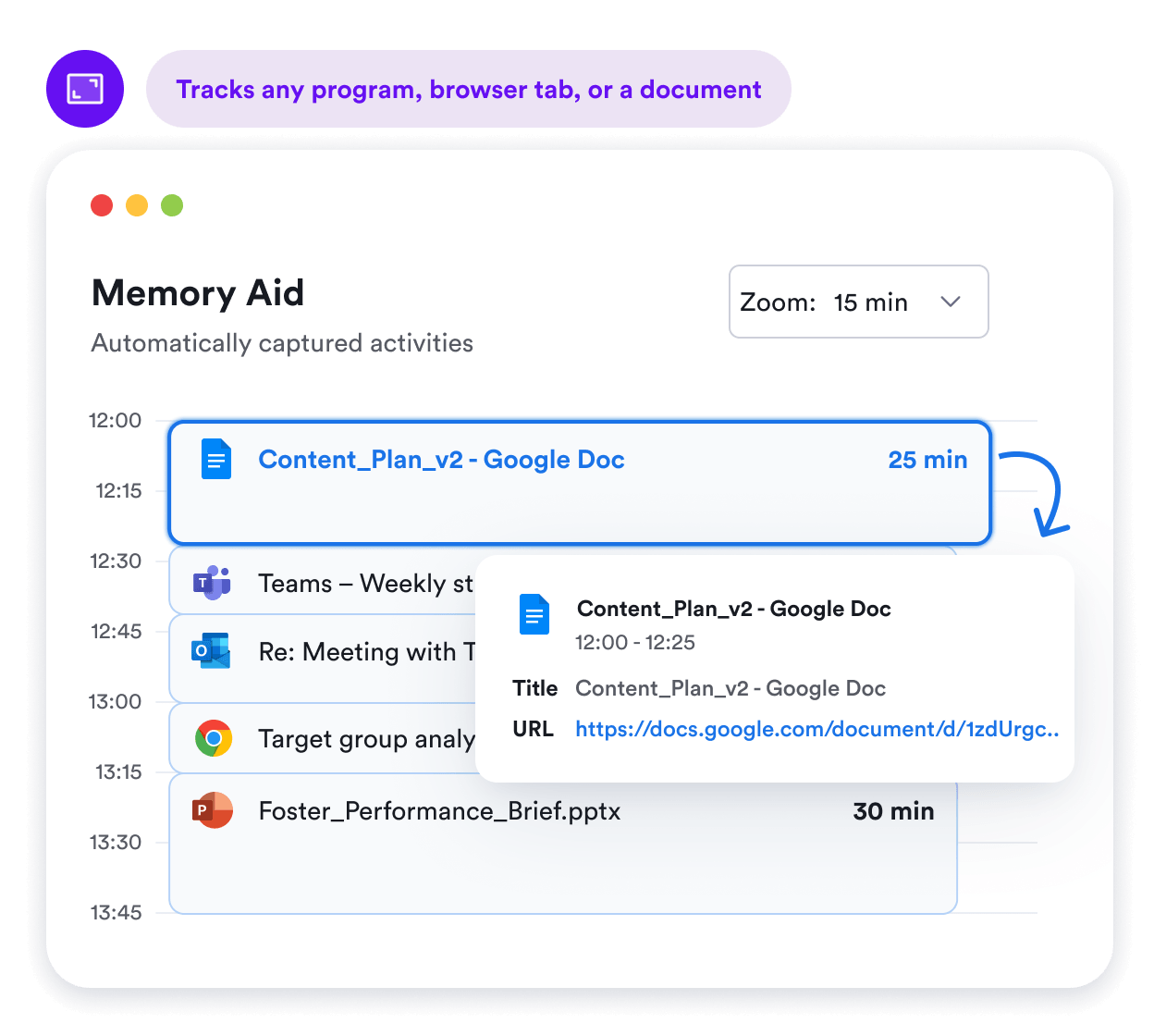
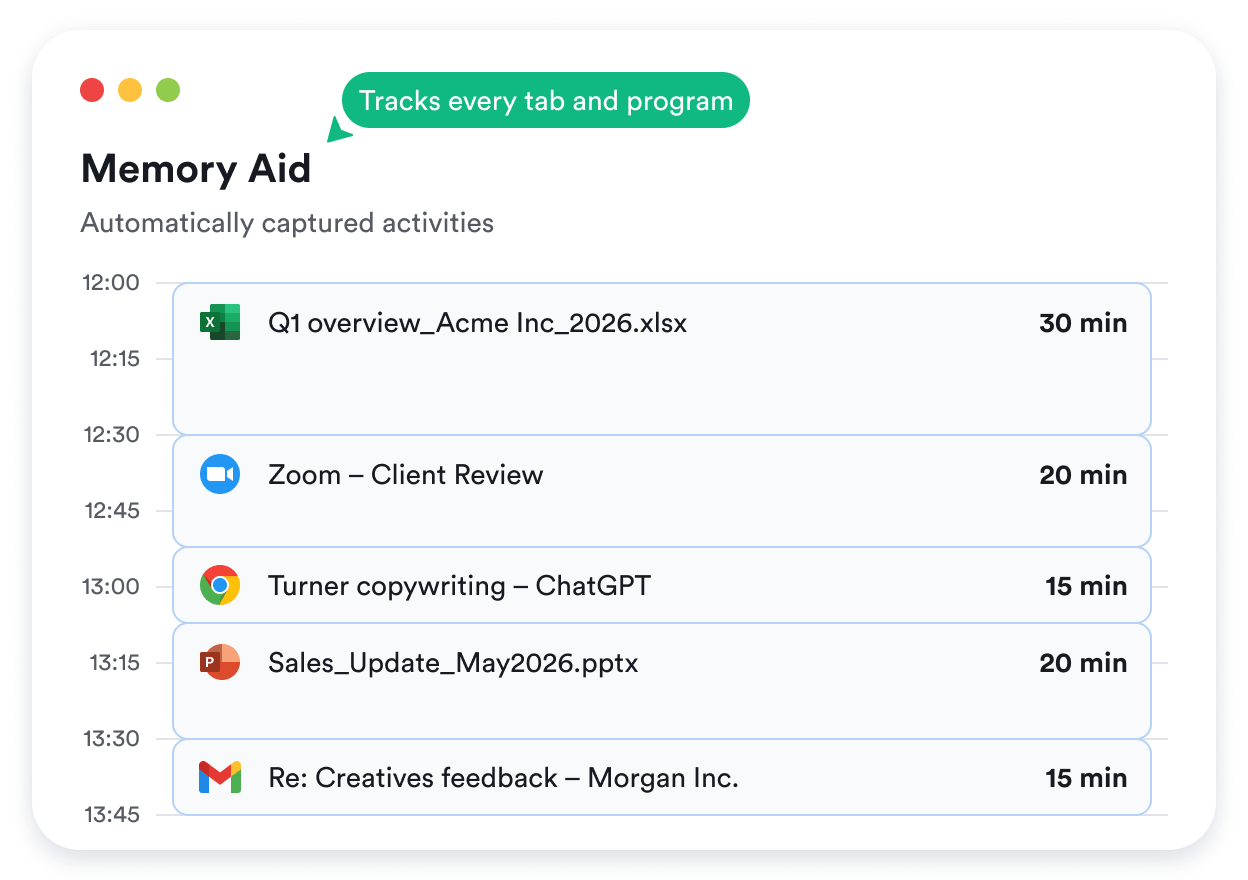
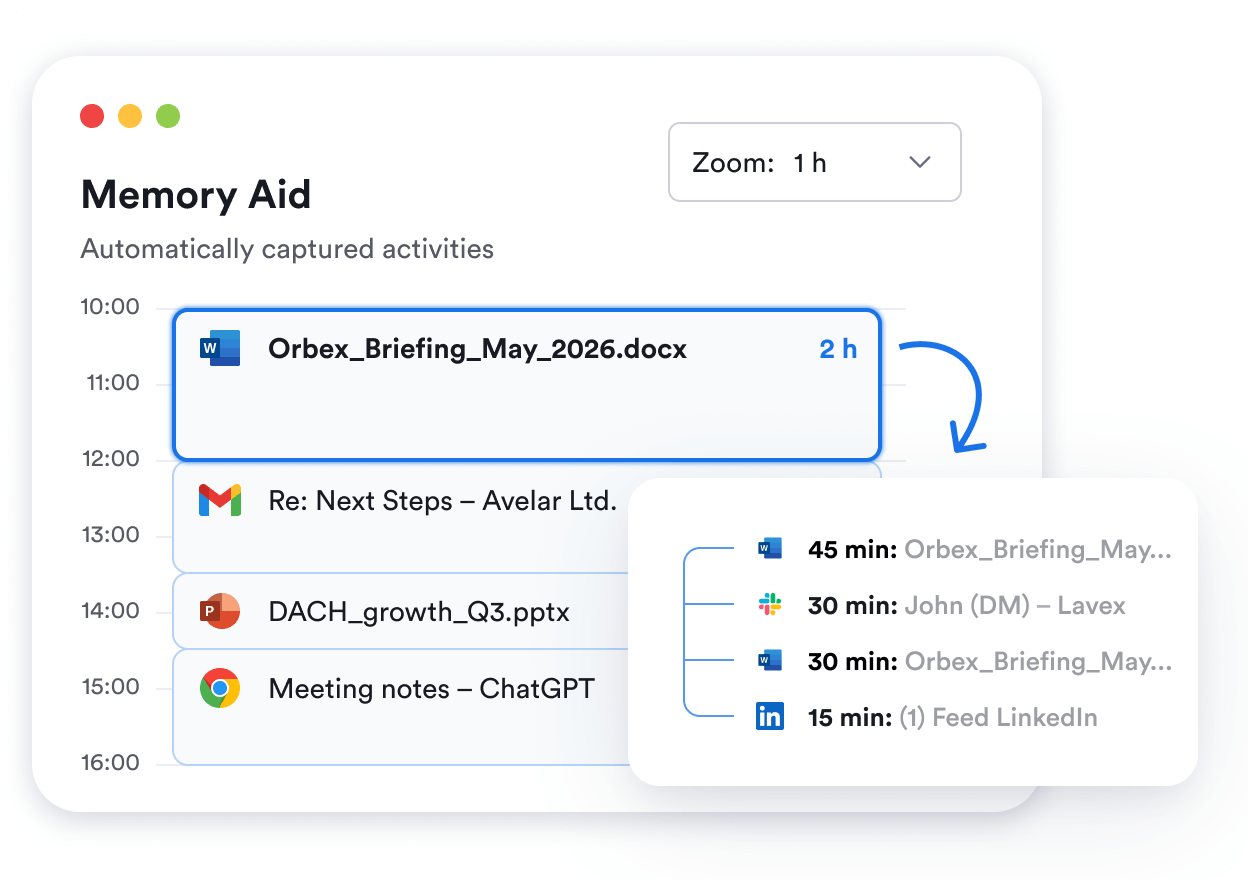
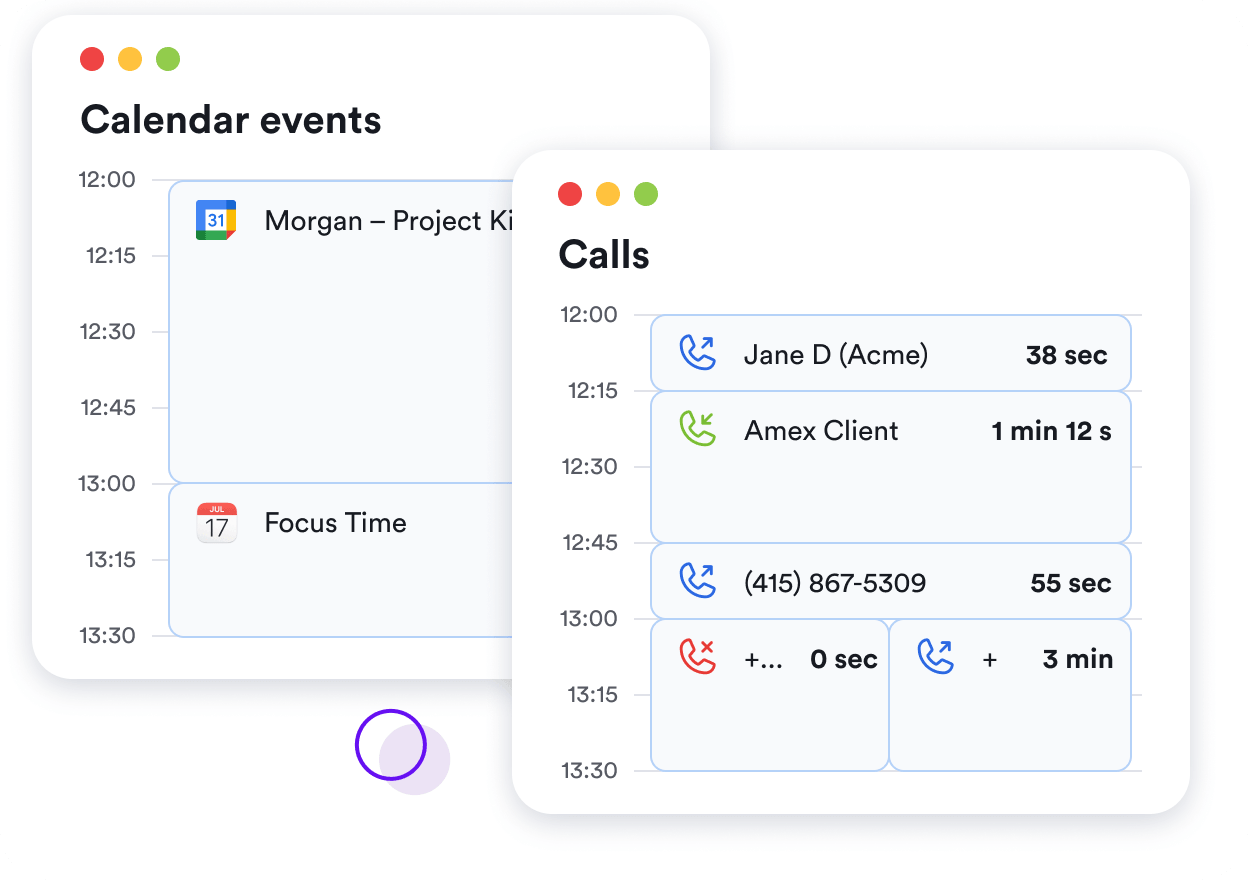
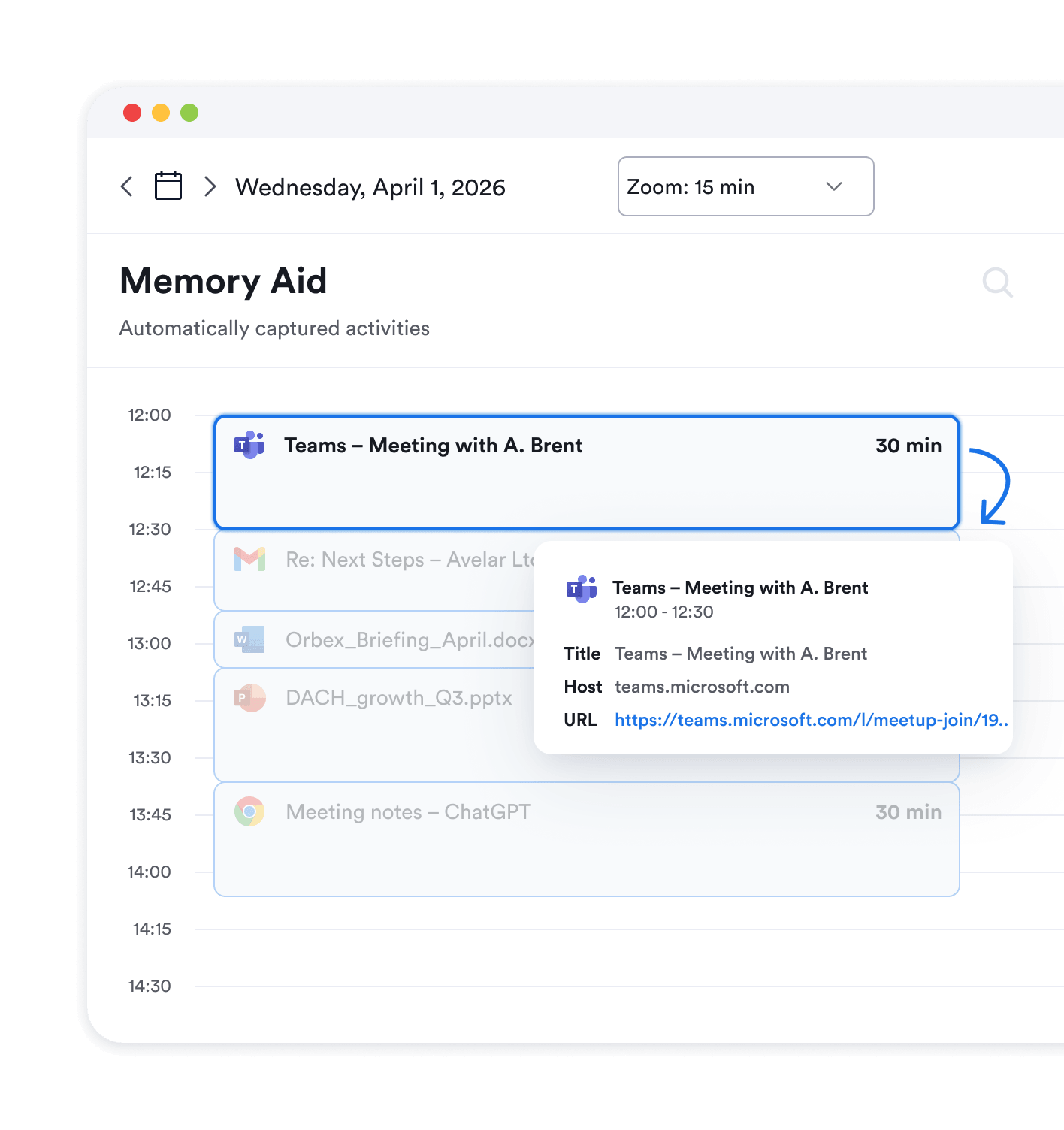
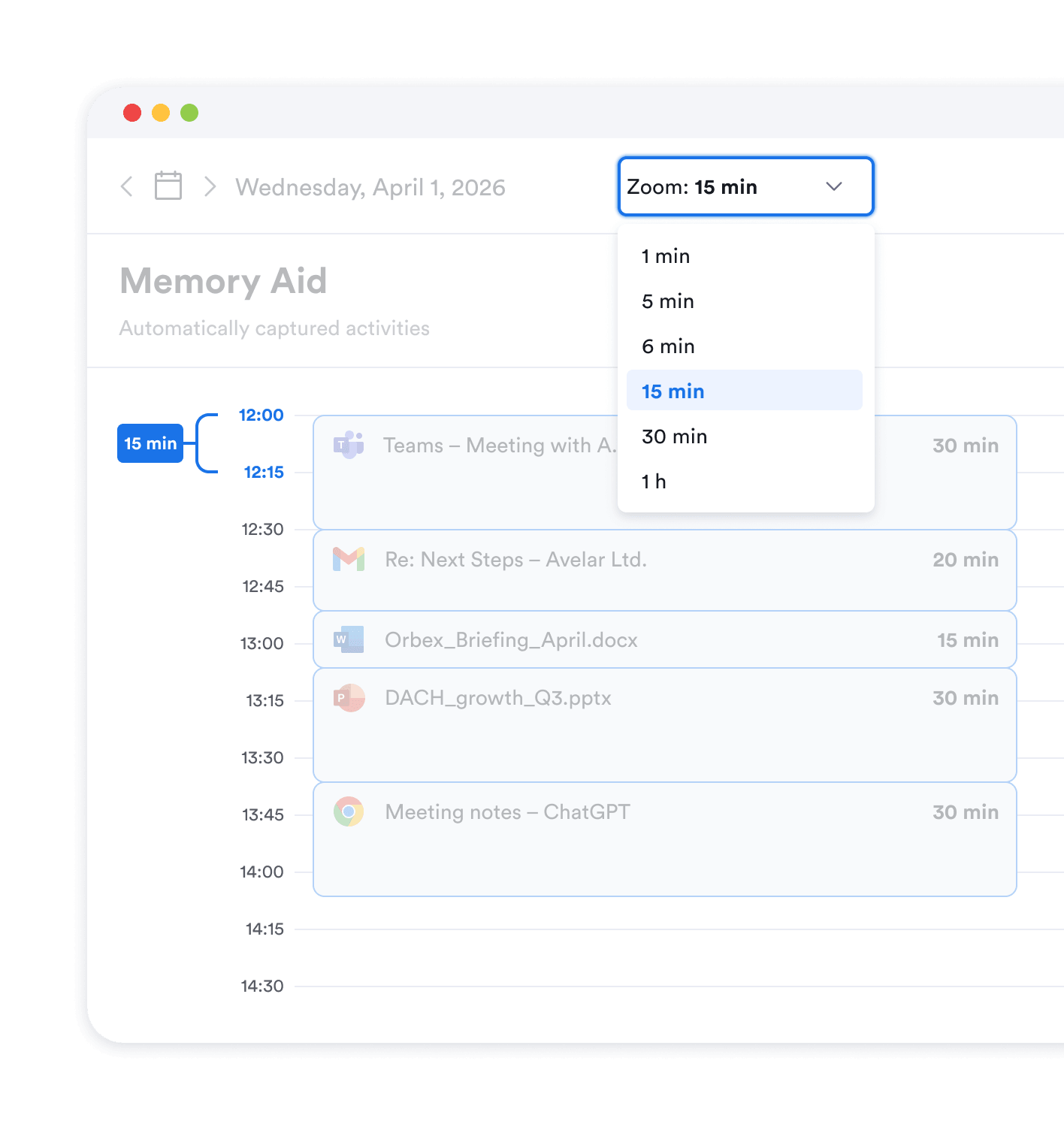
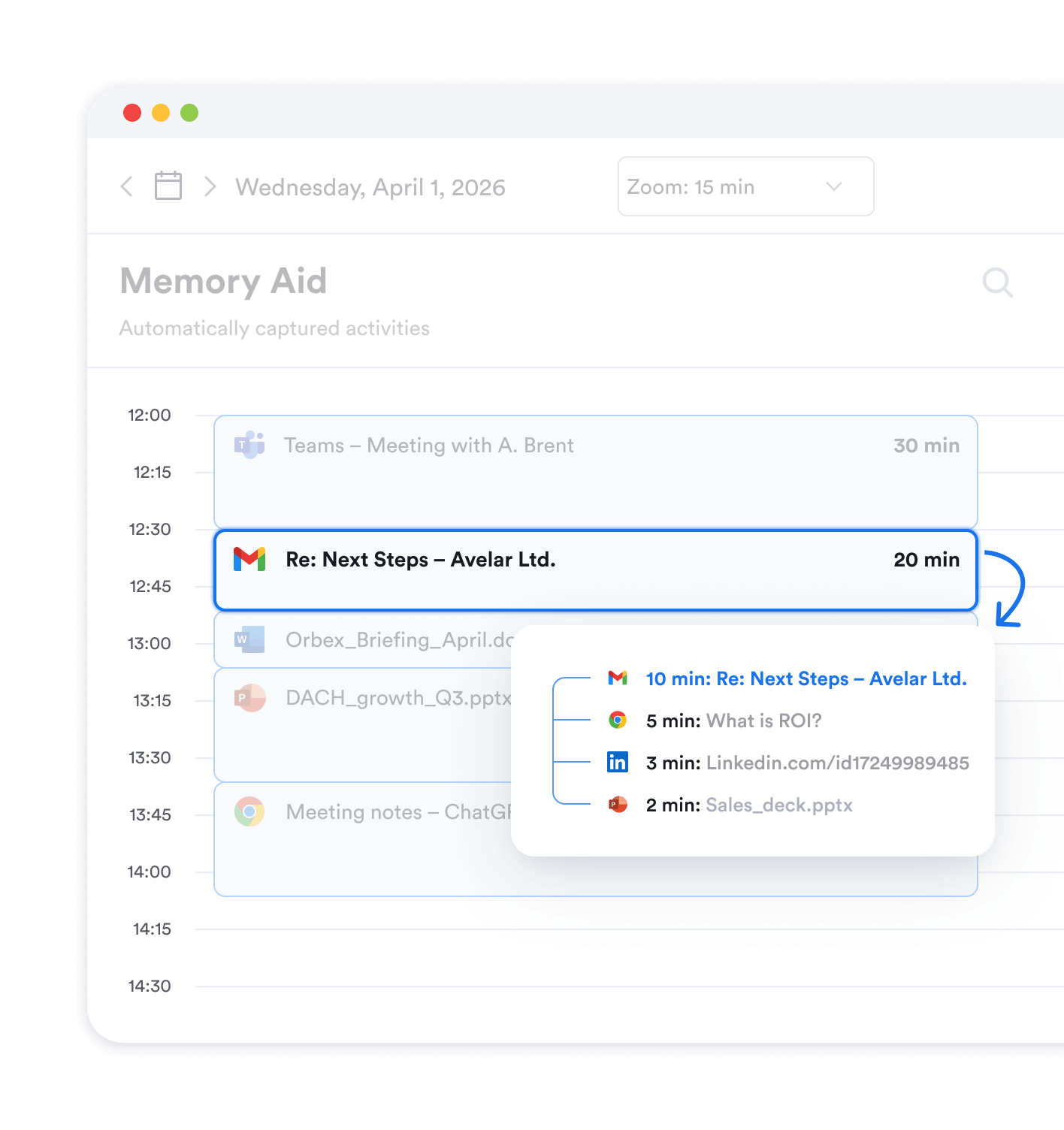
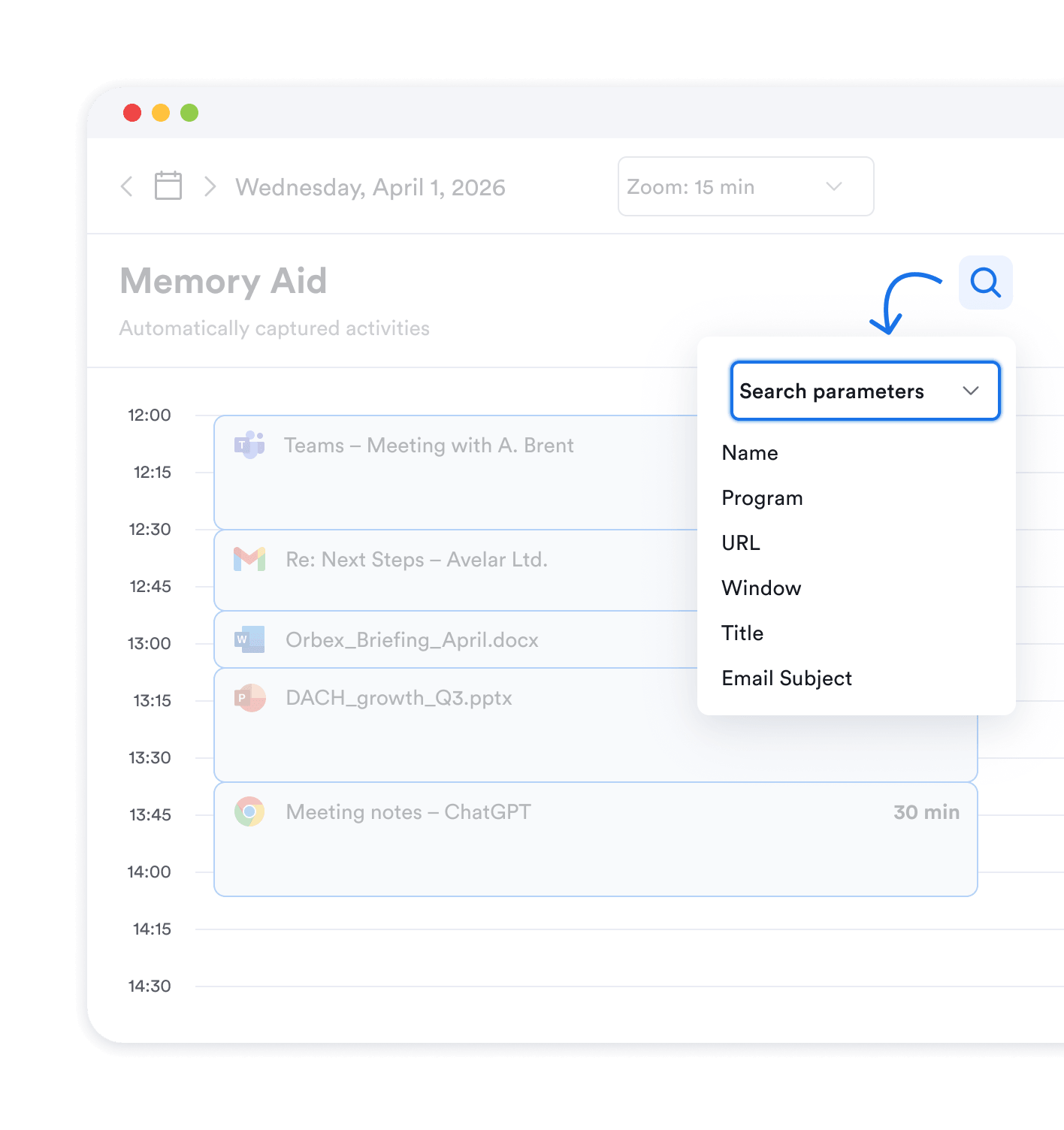
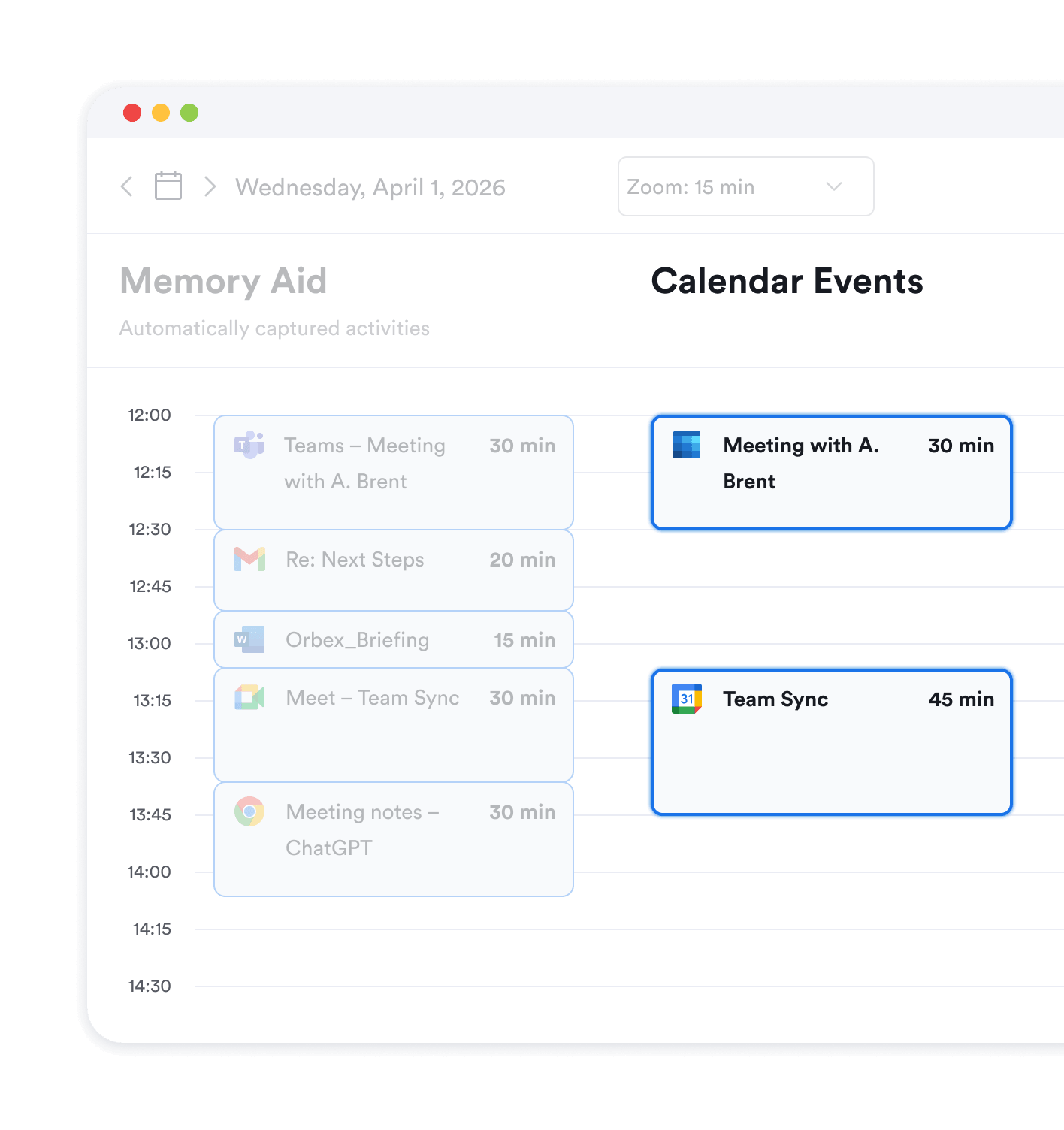
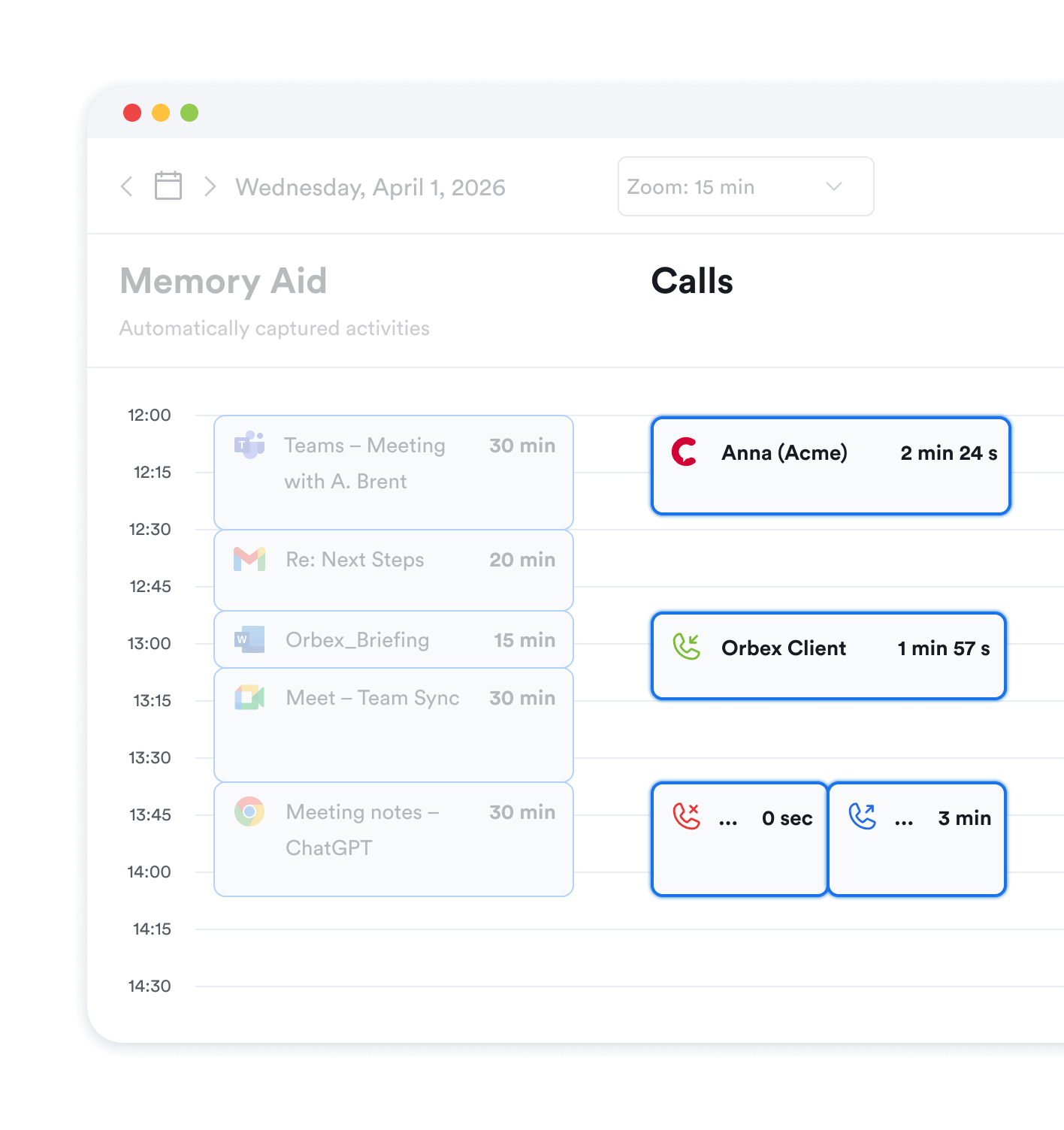
Chronologically displays your day and exact time in programs. Populated in real time as you work, no need for manual input or timers. Use your activity timeline to go back in time and reconstruct any past day in detail.
No credit card required
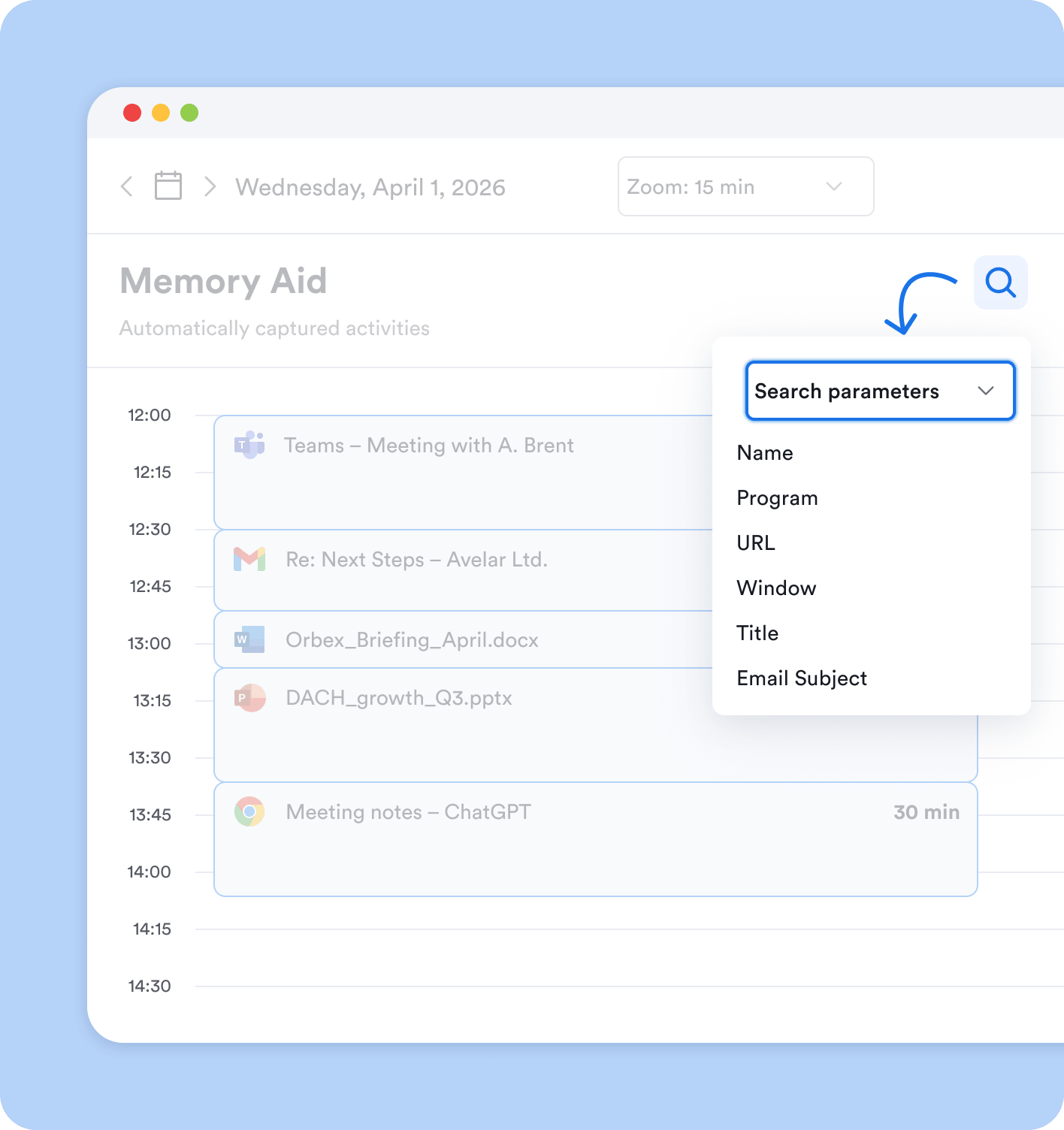


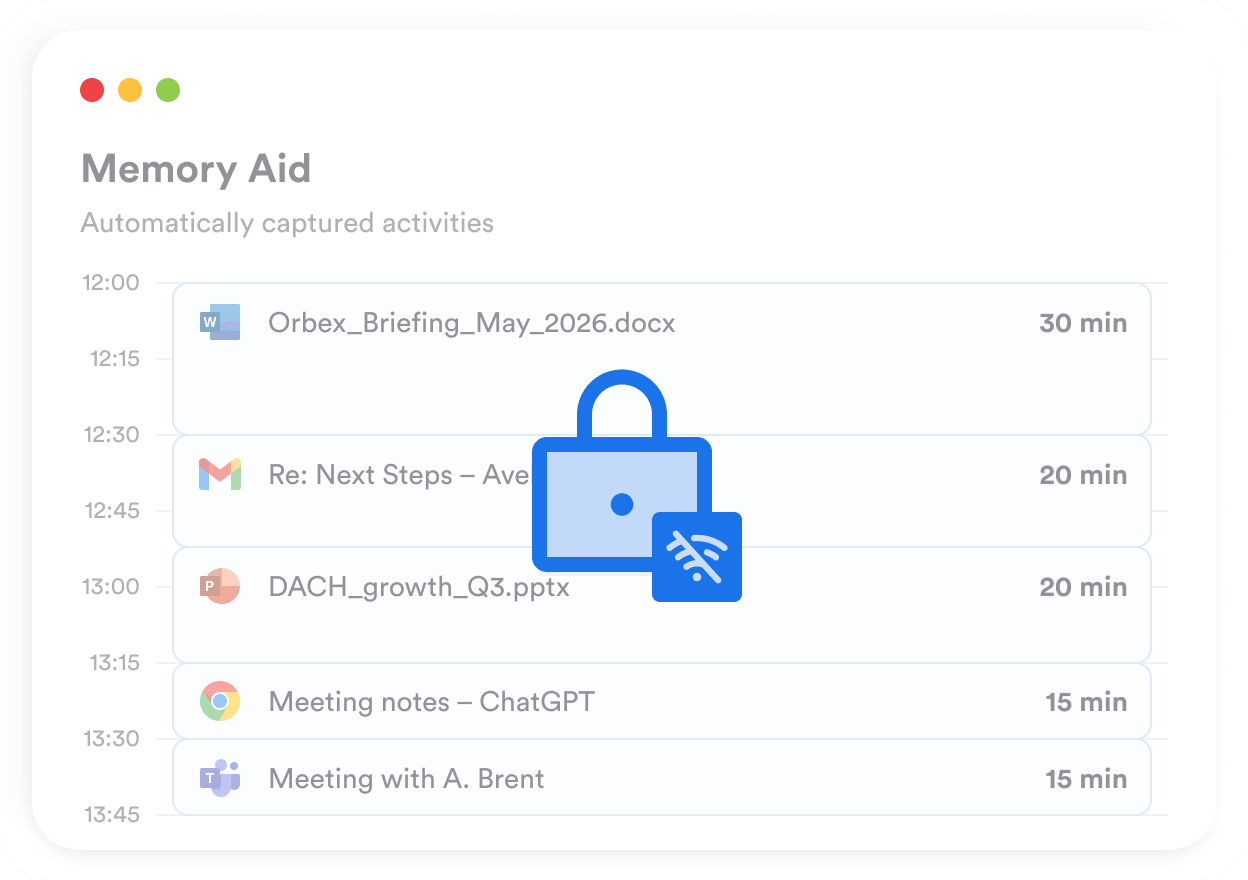
Your automatic activity timeline is 100% private. It’s offline and stored on a single device, meaning it’s only visible to you.
Yes, Memtime tracks any program that’s in the foreground. You don’t need to integrate anything for it to automatically capture your computer activities out of the box.
Yes, you can quickly stop tracking, set yourself offline, or delete captured activities from your automatic timeline.
It doesn’t matter how many browser tabs or screens you use at once. Memtime automatically tracks the window/tab/program/document where you last used your mouse or keyboard.
Yes, you can exclude certain activities from ever being recorded by setting up exemption rules. You can also simply delete activities from your automatic timeline.
You can go back to day 1 of using Memtime regardless of how long you’ve had it installed. Unless you format your PC, all historical time tracking data will be there.
You can use Memtime for free for 14 days, no credit card required. You won’t be charged automatically after your trial expires.
For over 10 years now, we’ve been focused on building the best and safest tools for automatic activity tracking. The Memory Aid™ is superior to all alternatives on the market, both in terms of responsiveness and the algorithm behind it, not to mention the unmatched privacy. But don’t take our word for it – please try Memtime for free and see the difference for yourself.
We could all use a Memory Aid
Remembering is hard
Timers are useless
Employee monitoring is creepy