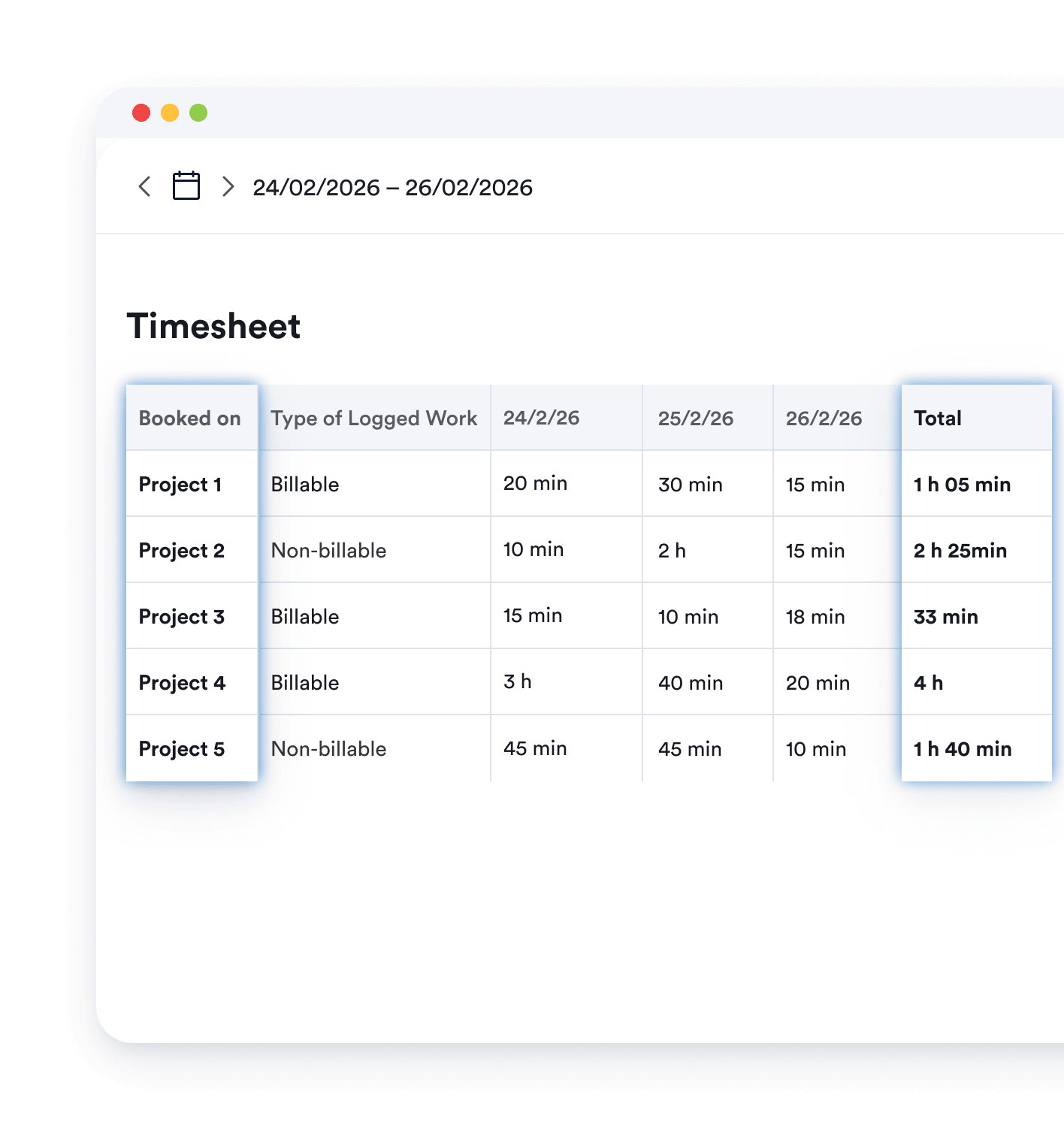
Memtime runs silently in the background, capturing every client interaction your calendar misses. It gives you visibility into which client relationships are profitable, and which are consuming capacity you didn't know you were giving away.
No credit card required



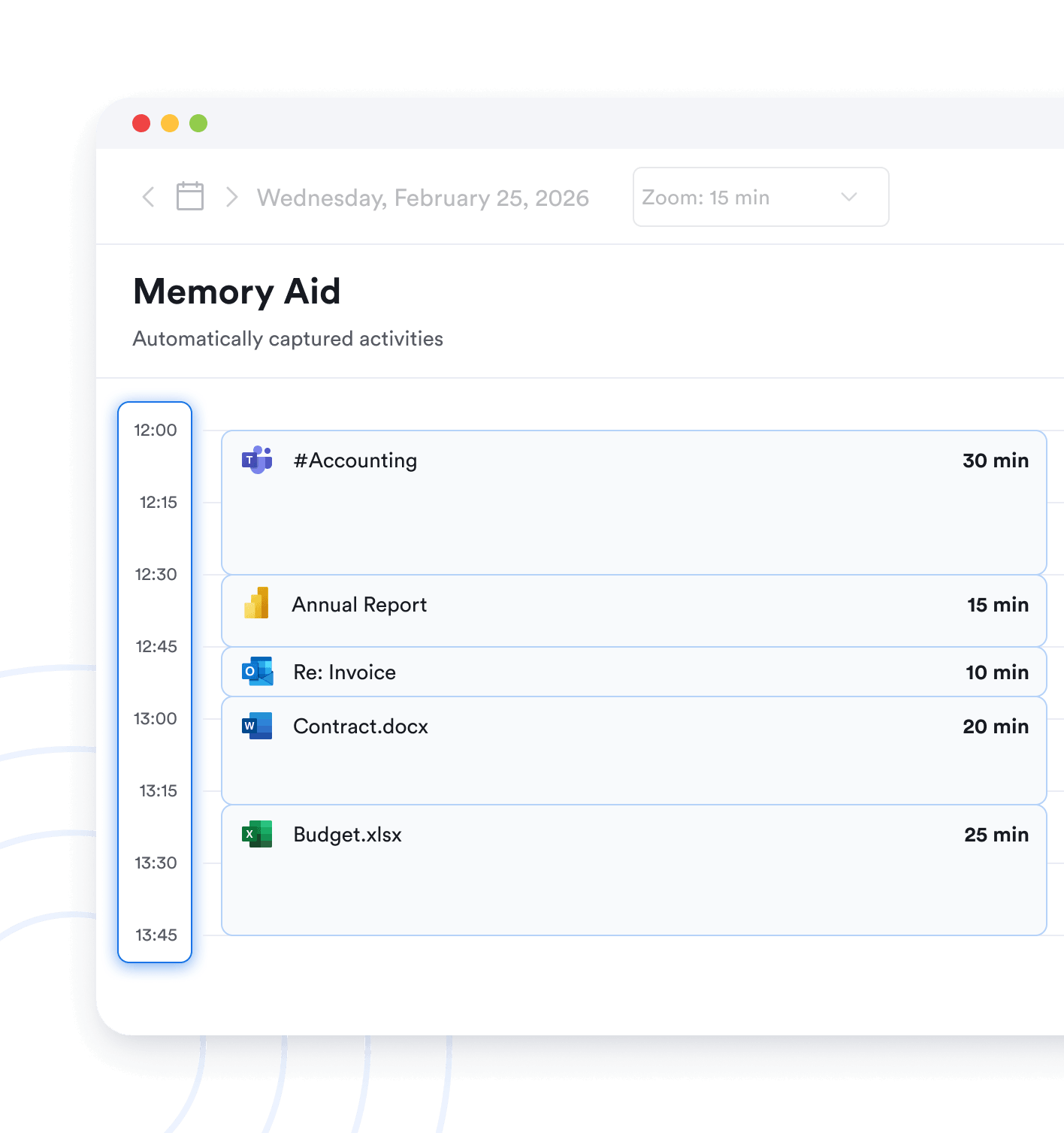
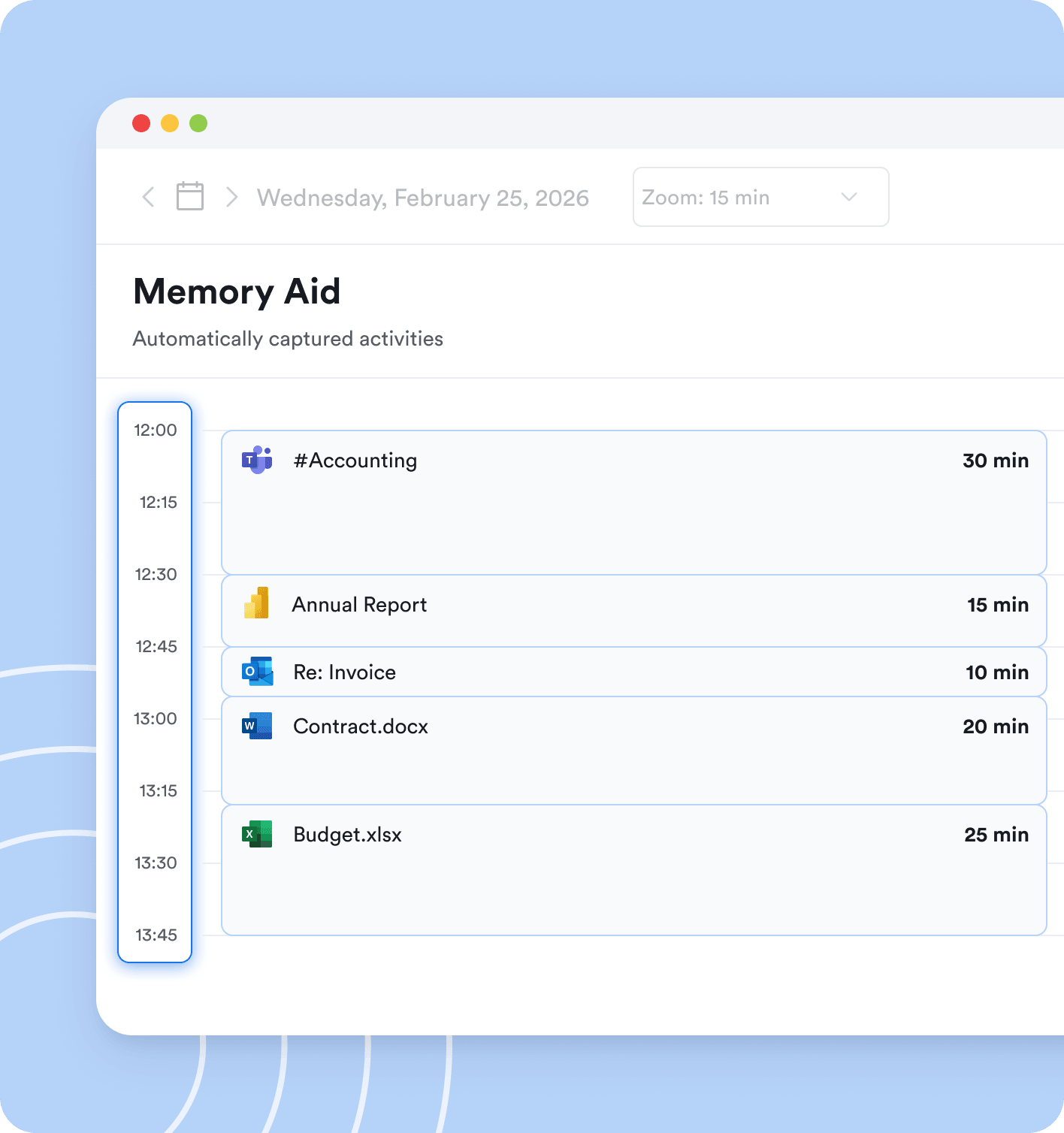

Yes. Memtime captures time spent in emails, including subject lines. This allows you to identify which client a piece of work relates to, even if you come back to it days later.
Memtime only records the window currently in the foreground, meaning wherever your mouse or keyboard was last active. As soon as you switch to another window, that one starts being tracked. So even if you’re moving between a client portfolio, an email, and a planning app, everything is captured accordingly.
Yes, if you use a VoIP app on your desktop or have connected your iPhone to Mac. In these cases, Memtime will capture your calls automatically. They’ll appear as a separate column in your activity timeline, and you can assign them to the right client in a couple of clicks (or let Memtime do it for you).
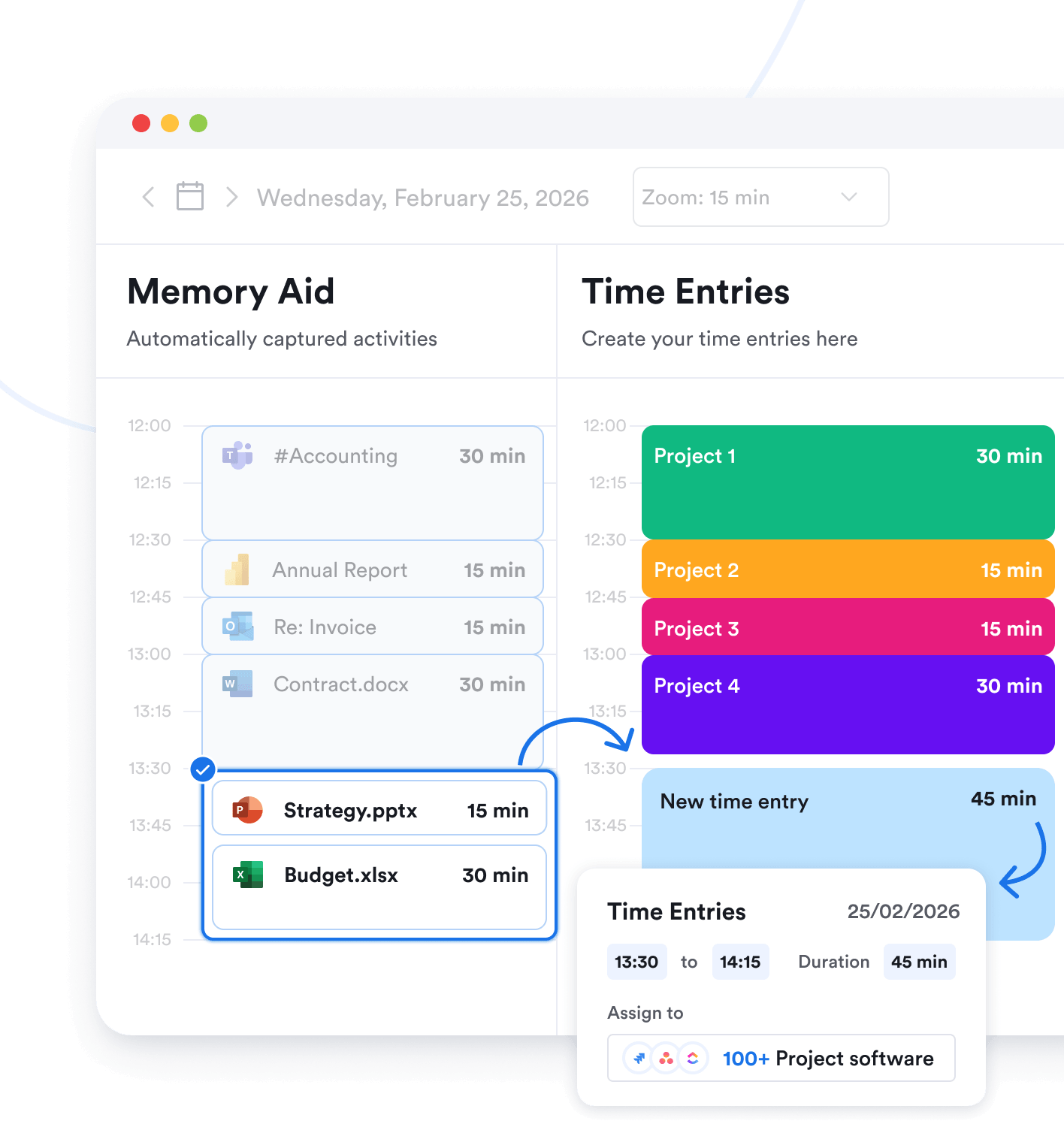
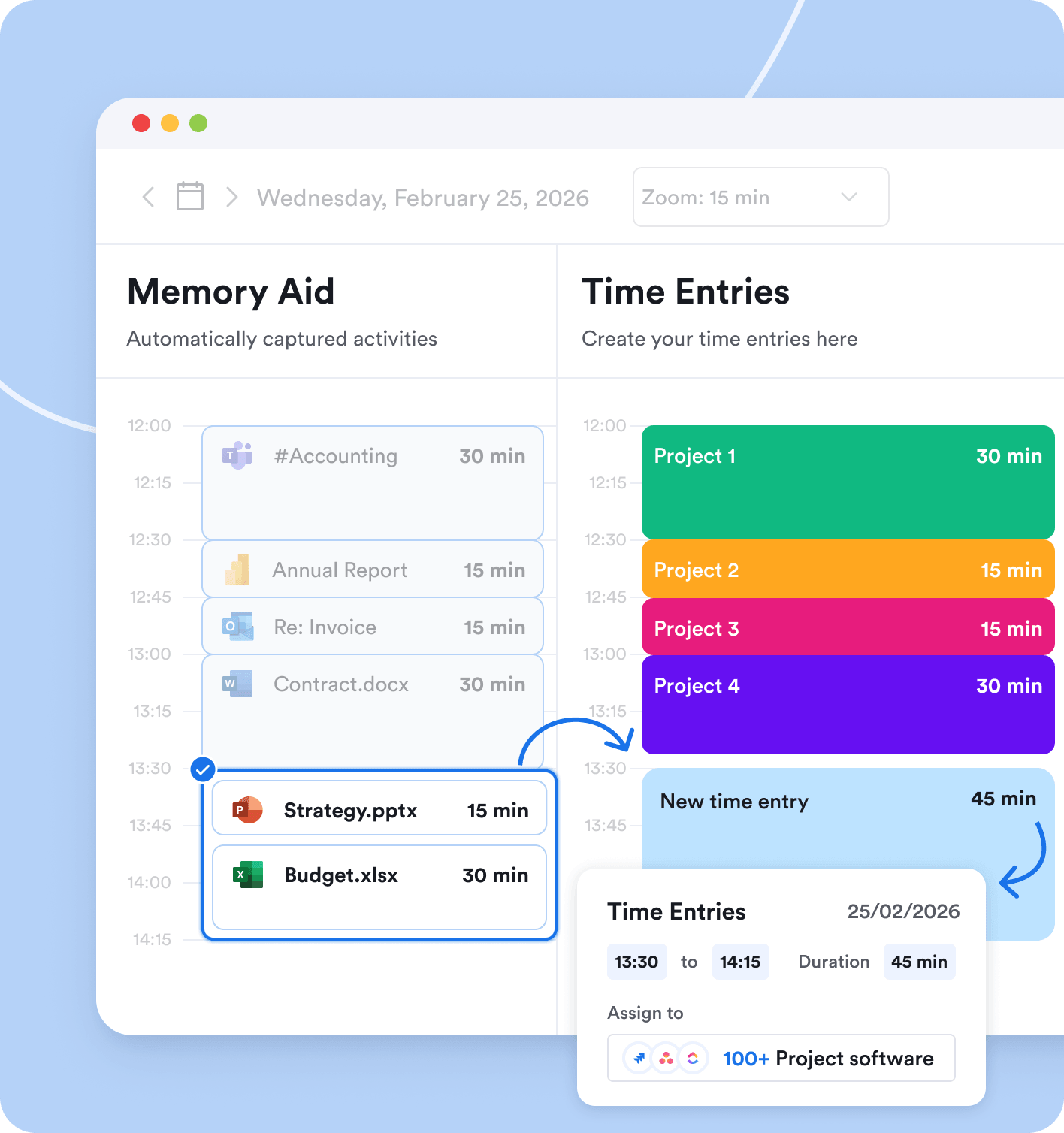
Memtime displays offline periods in your timeline that you can name them and convert into time entries. It also mirrors your calendar, so any meeting you had scheduled will appear alongside your activity timeline. That’s how Memtime makes it easy to match in-person appointments with the time around them.
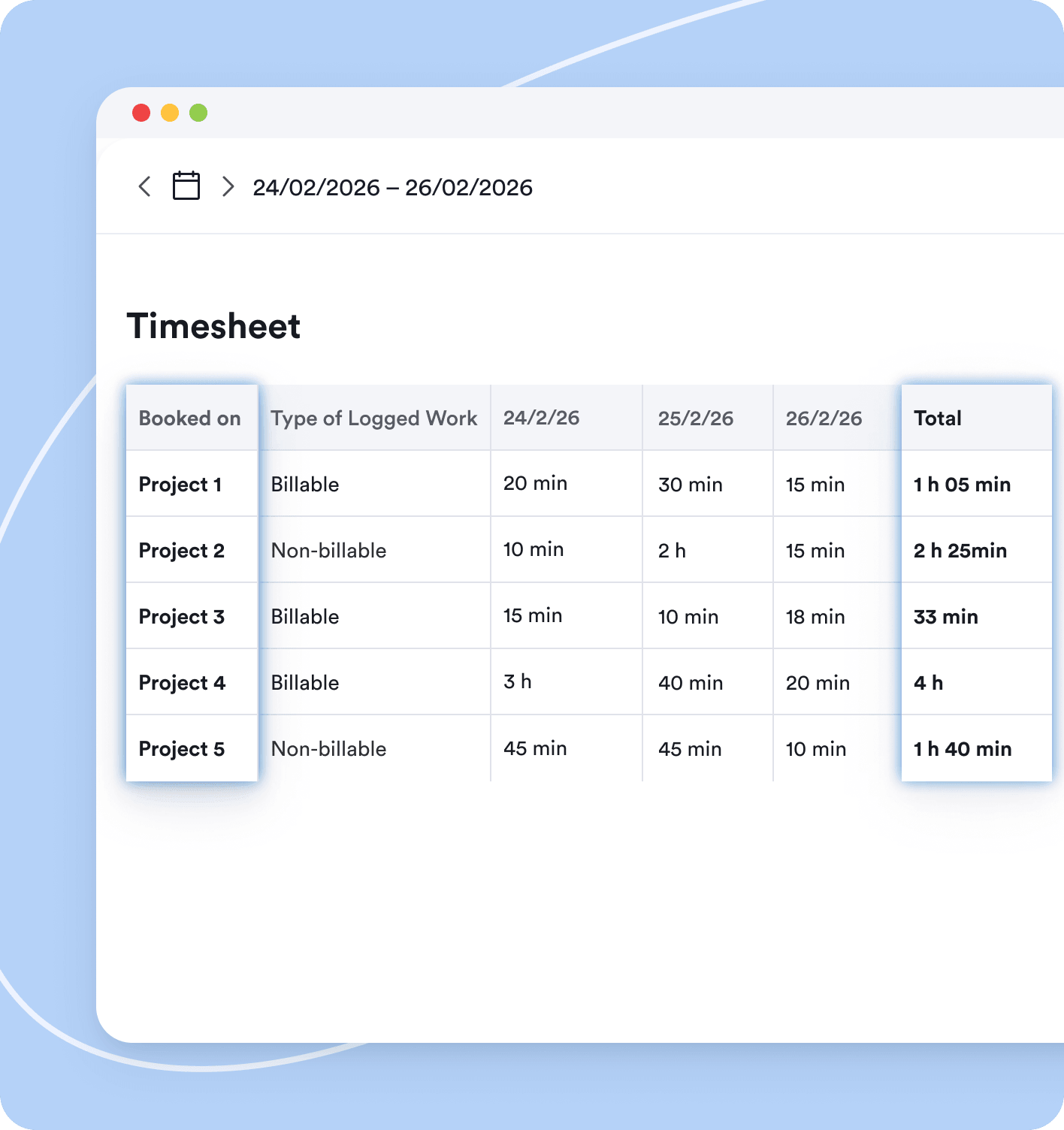
For most independent financial advisors, Memtime Connect is the logical starting point. It includes integrations with project and billing software, which is useful if you want to connect Memtime to tools you already use. If you’re purely using Memtime to understand your own practice numbers without exporting data anywhere, Memtime Basic covers the essentials. You can compare all plans on our pricing page.
No problem; you have full control over your timeline. You can tell Memtime to never capture specific apps or activities, delete entries, or clear your timeline entirely. And remember: everything stays on your device, nothing is ever uploaded to the cloud.
Memtime is charged per user, so you can install it on multiple devices. Keep in mind that your activity data is stored locally on each device for privacy reasons, so it doesn’t sync across devices. Most financial advisers find that the majority of their client work happens on one primary machine.
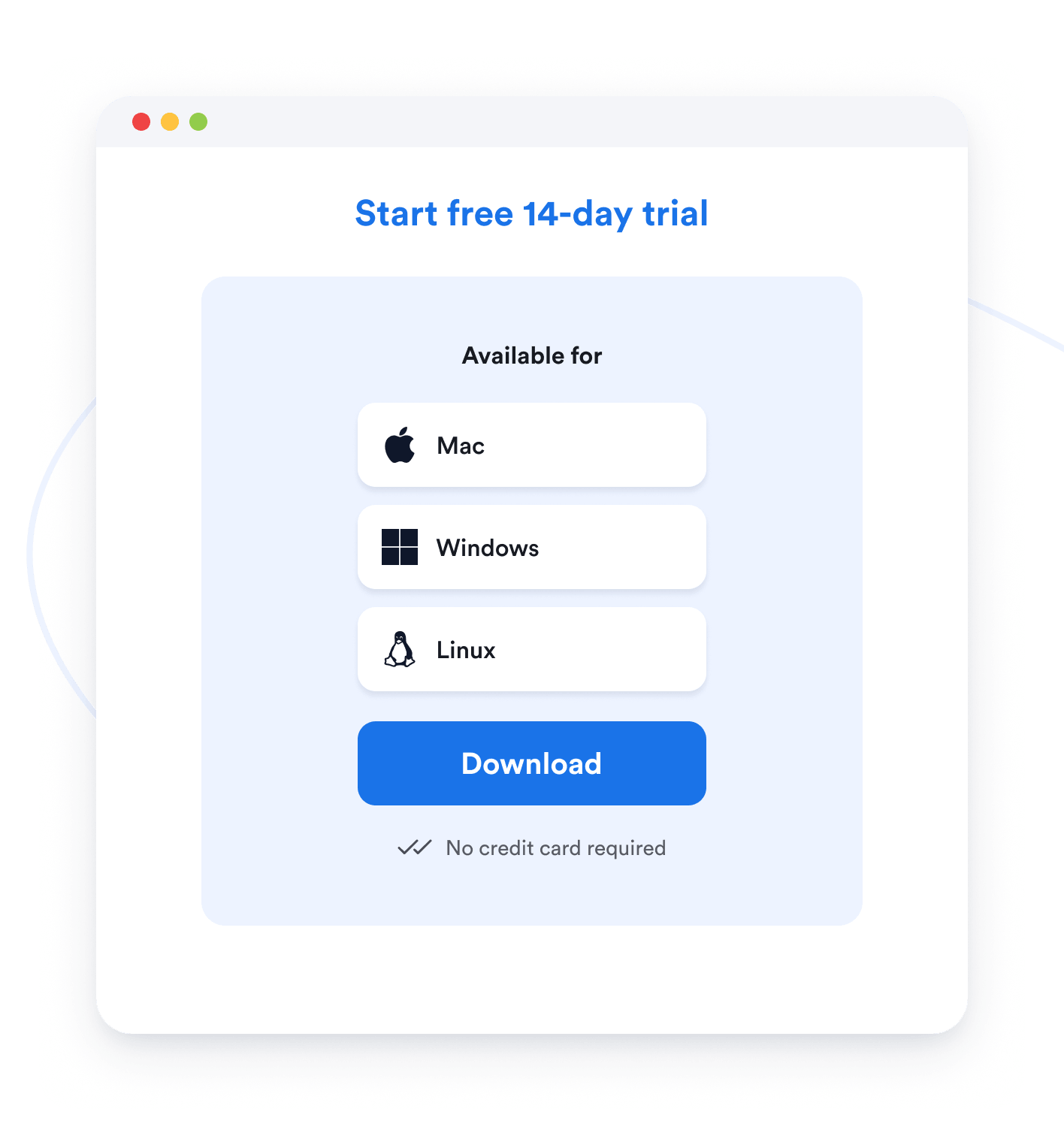
Yes, sure. We offer a free 14-day trial with no credit card required. You won’t be charged automatically when your trial ends, so there’s no risk in getting started.
No, of course not. Memtime starts capturing your activity automatically from the moment it’s installed. If you want to connect it to your CRM or planning software, you can do so, but it’s not a prerequisite to getting started with Memtime. That’s why Memtime is the tool for financial advisors.
No, definitely not. Memtime cannot be used for employee monitoring or surveillance of any kind. All activity data is stored locally on your device and visible only to you, not to your colleagues, managers, or anyone at Memtime. Our app gives each financial advisor visibility into their own workload, without anyone else having access to that data.