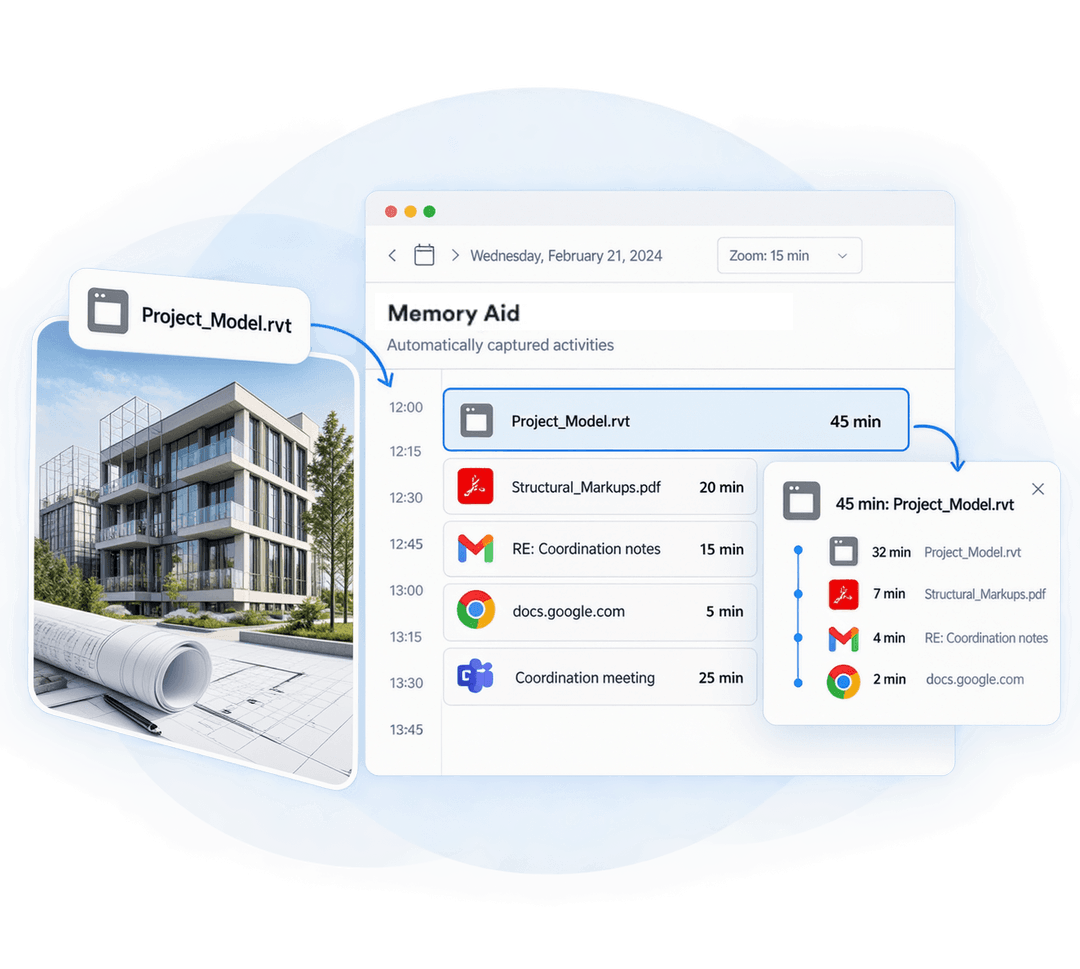
Memtime is an automatic Revit time tracker that runs quietly in the background. It captures your model work, sheet prep, PDF reviews, emails, and calls, so you can bill every hour and estimate your next job based on actual time spent.
No credit card required
1
2
3
4


No, definitely not. Memtime sits outside Revit, so there’s no add-in, no plugin, and nothing to reinstall after a version upgrade. You install it once, open your model, and work the way you always do.
Nope, your models stay yours. Memtime doesn’t access the contents of your models, families or central files.
Just you. Your timeline is a private record stored on your device, so no colleague, manager, or anyone at Memtime can look at it. You decide what turns into a time entry and what stays out.
Sure! Plenty of project work happens outside the model, including PDF reviews, emails to consultants, and calls about an RFI or a revision. With Memtime, all get captured alongside your Revit time, so your project totals show the full picture, not just the hours spent modeling.
No, not at all. Memtime is built for your own time tracking, and it can’t be used for employee monitoring or surveillance of any kind. Activity data stays on your device and is visible only to you, never to colleagues, managers, or anyone at Memtime.
No. Think of Memtime as an activity tracker that sits next to Revit, not inside it. It notes when you’re working in Revit, along with the other apps you use, without going into the software. That also means it doesn’t sync, manage, or touch your BIM projects.
Once your day is captured, you open your timeline and pick the blocks of activity that belong together. Assign them to the right project and client yourself in a few clicks, or set up automation rules and let Memtime do it. Either way, you get accurate data on where your time went.
Memtime runs on Windows, Mac, and Linux. Revit is a Windows app, so Windows is where you’ll use it for Revit time tracking. Colleagues on a Mac or Linux machine can track their own work the same way.
Absolutely, the number of projects doesn’t matter much. Whether you’re on one fixed fee job or a dozen, it helps to know how long a model or a drawing set really takes. You’ll quote, bill and plan based on real numbers, not imaginary estimates.
Yes, and it’s super easy: just start a free 14-day trial without entering a credit card. When it ends, you won’t be charged automatically, so there’s no risk in giving it a go.