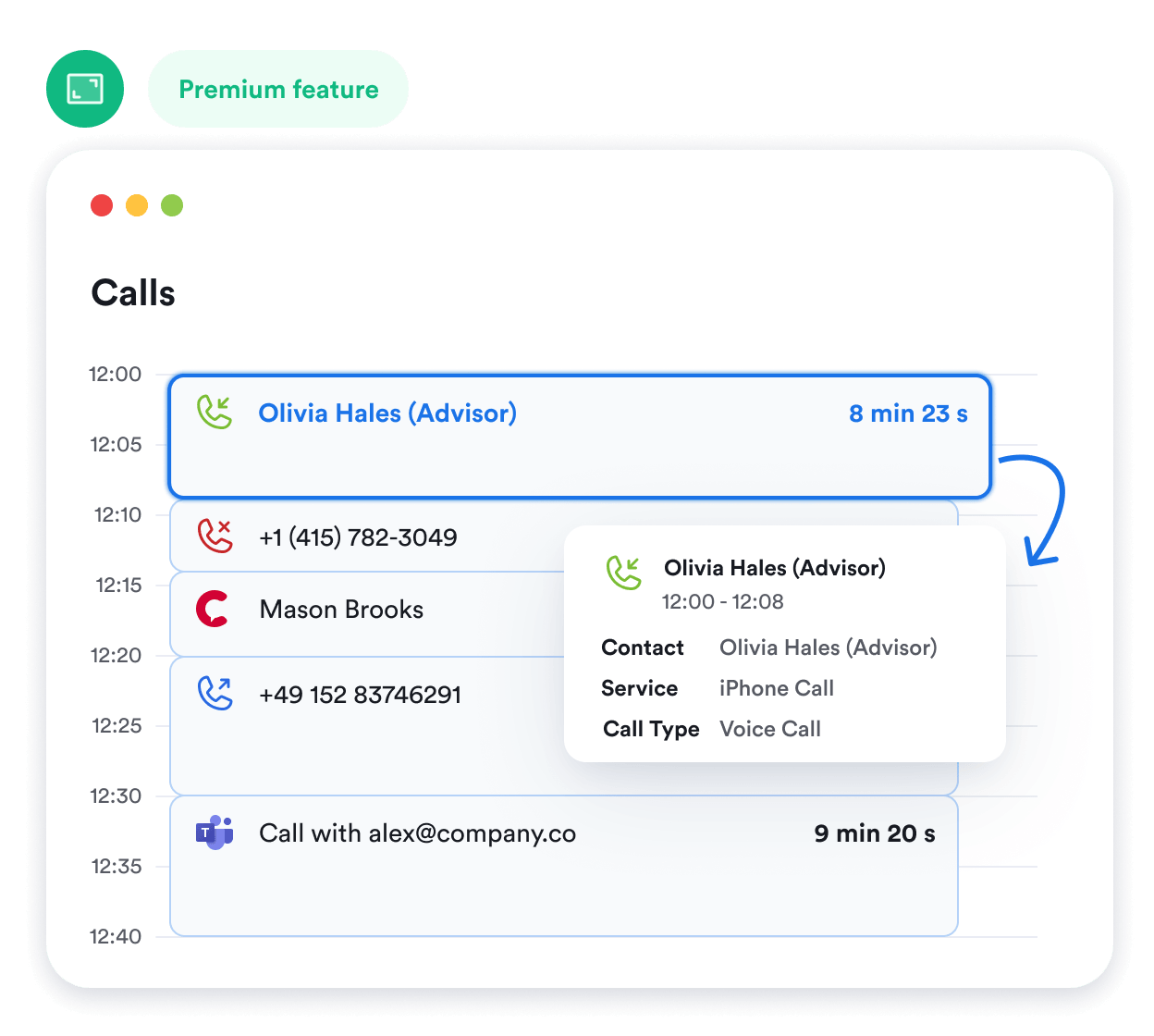
Memtime is a fully automatic time tracker for macOS. It keeps a record of the apps, documents, browser tabs, and emails you work with, then lays out your day in a private timeline on your Mac. Your activity data never leaves the device.
No credit card required


1
2
3
4
No, Memtime is a desktop app compatible with devices running macOS. There’s no mobile app available at this time.
No, Memtime is not available to install from the App Store as you need to create your account first. Start a free trial and get the installer file.
To make automatic time tracking on macOS possible, you need to allow Memtime to access the automation features of your Mac device. You can do this from your Privacy & Security settings. The full guide on granting all necessary permission is available in our Knowledge Base.
Yes, you can install Memtime on as many macOS devices as you wish. This won’t cost you anything extra as we charge per user and not per device. However, keep in mind that all activity data is device-specific, i.e. you’ll only see what’s been recorded on any given device.
No. Memtime starts recording activity on your Mac without any integrations. They only come into play when you want to bring in projects, tasks, or calendar events, or send time entries back to another tool.
Memtime is the only automatic time tracker for Mac that keeps activity data offline on your device. This means that only you have a copy of your automatically captured time tracking data and it’s stored on a single macOS device. You can delete activity data at any time. Memtime guarantees your privacy by giving you full control of your data.
Yes. Open Memtime from the Mac menu bar and select Stop Tracking. Select Start Tracking when you are ready to continue.
Time spent away from the computer appears in your timeline as Offline Time. You can later rename it, for example as an in-person meeting or a client visit, and turn it into a time entry.