Memtime Projects with device & team sync

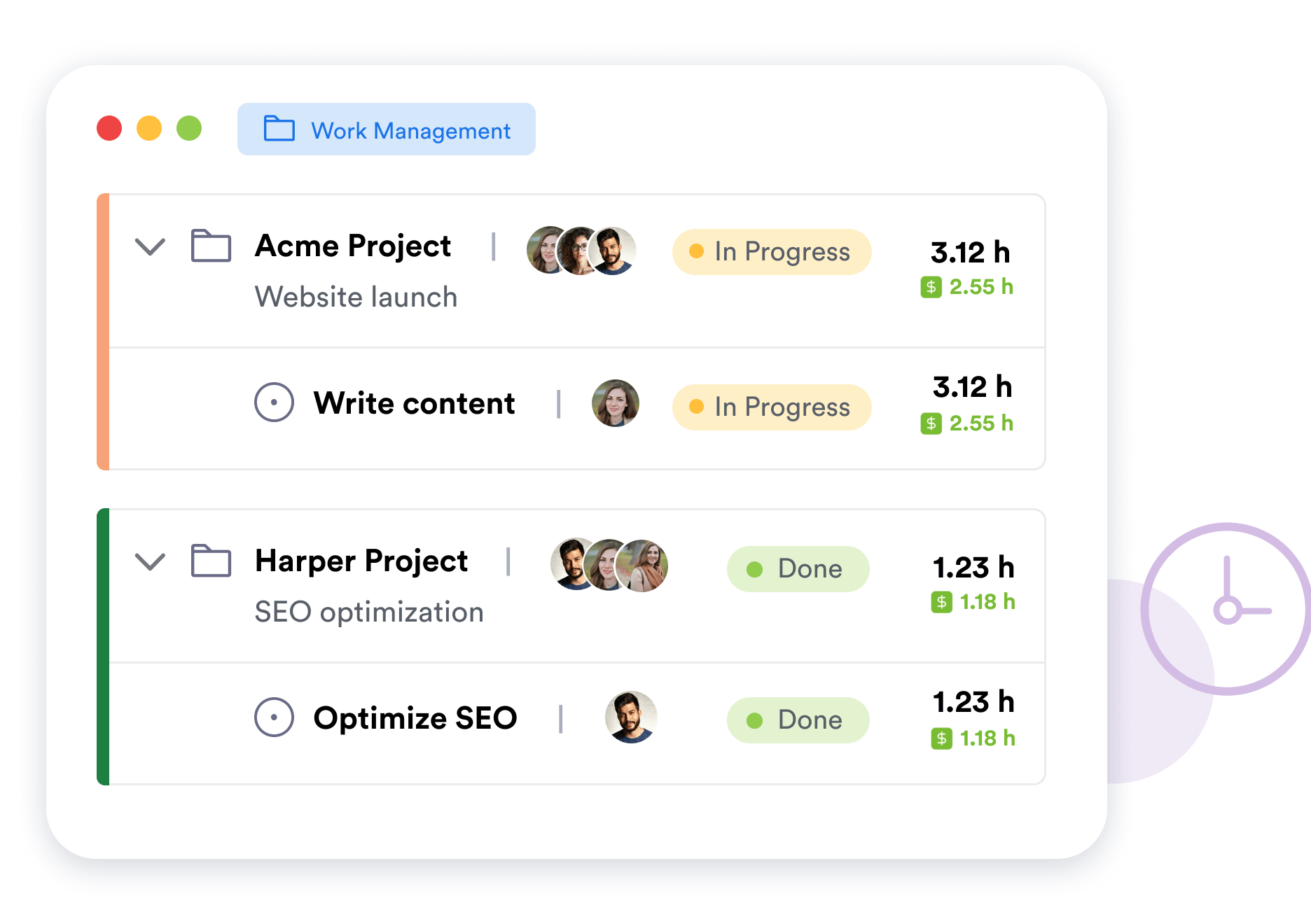
Use Memtime’s built-in project management dashboard to create and share projects with your team and from any device. Free for all Memtime subscribers.

• Included in Basic & above
• Sync time entries from any device or user
• Mobile-responsive project dashboard
• Activity tracking still stays offline

No credit card required

No credit card required

CMAP time tracking by Memtime

Automatic

Memtime runs passively on your computer and records your time in every program without ever interrupting your flow.
Accurate day review

Accurate

You can review your day minute by minute and see how long you spent in each browser tab, email, file, document, app, etc.
Data private to you

Private

What’s captured automatically by Memtime is never uploaded to the cloud. The only copy of this data lives on your device.

What you get with Memtime Projects

All the perks of built-in project management in Memtime

Mobile-responsive dashboard

Automatic activity remains offline on your device. But you can use the web-based Memtime dashboard to log time and manage projects from anywhere, including mobile. Your time entries sync across devices so you can take your projects with you wherever you go.
Memtime’s Memory Aid
Track every billable hour

Team-wide timesheets

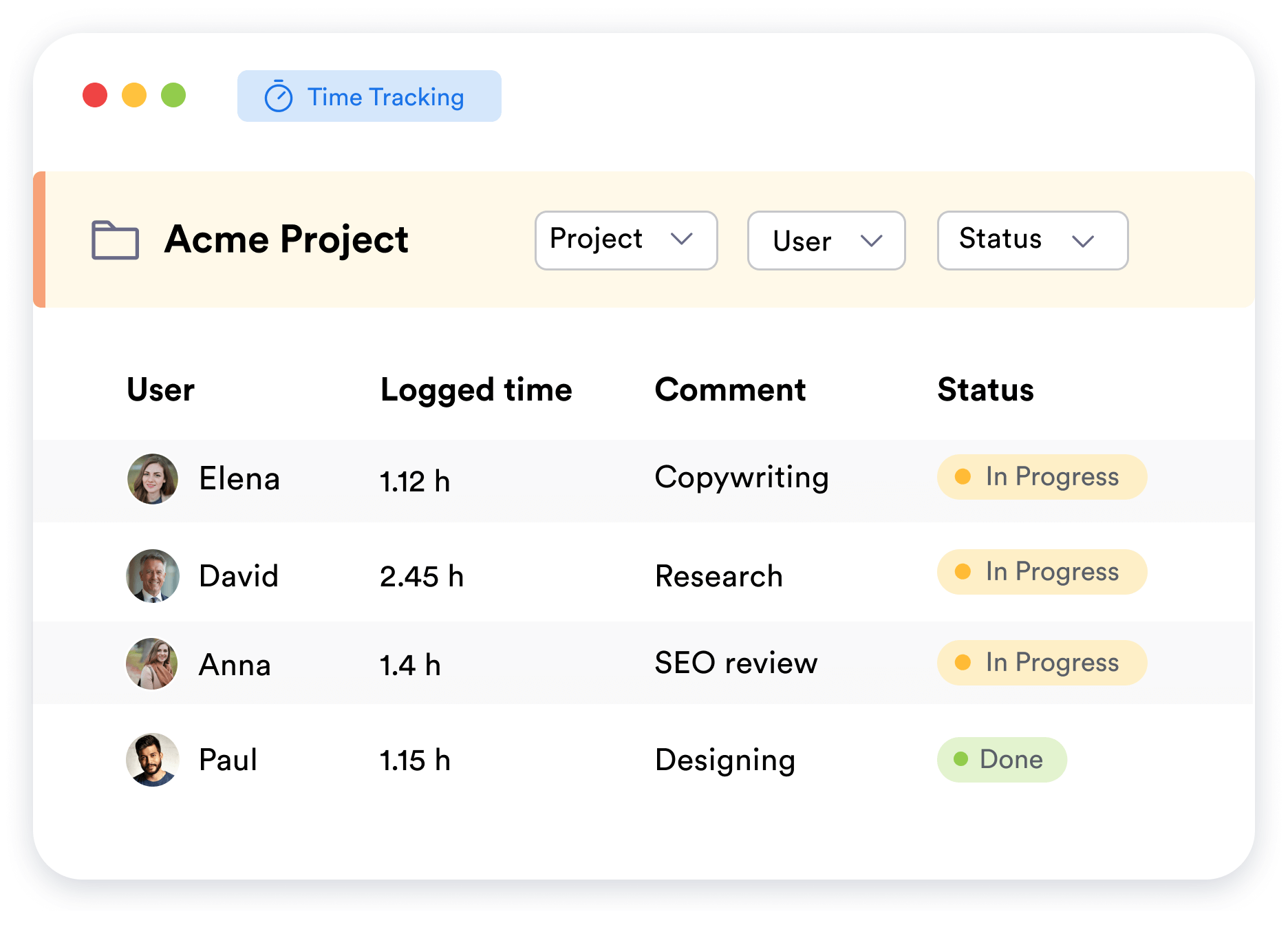
In addition to having your own timesheet, you can collect time entries from other team members. Invite users to your Memtime Projects with assigned roles and permissions. Share tasks and track real-time progress based on the time entries they log.

Billability reporting

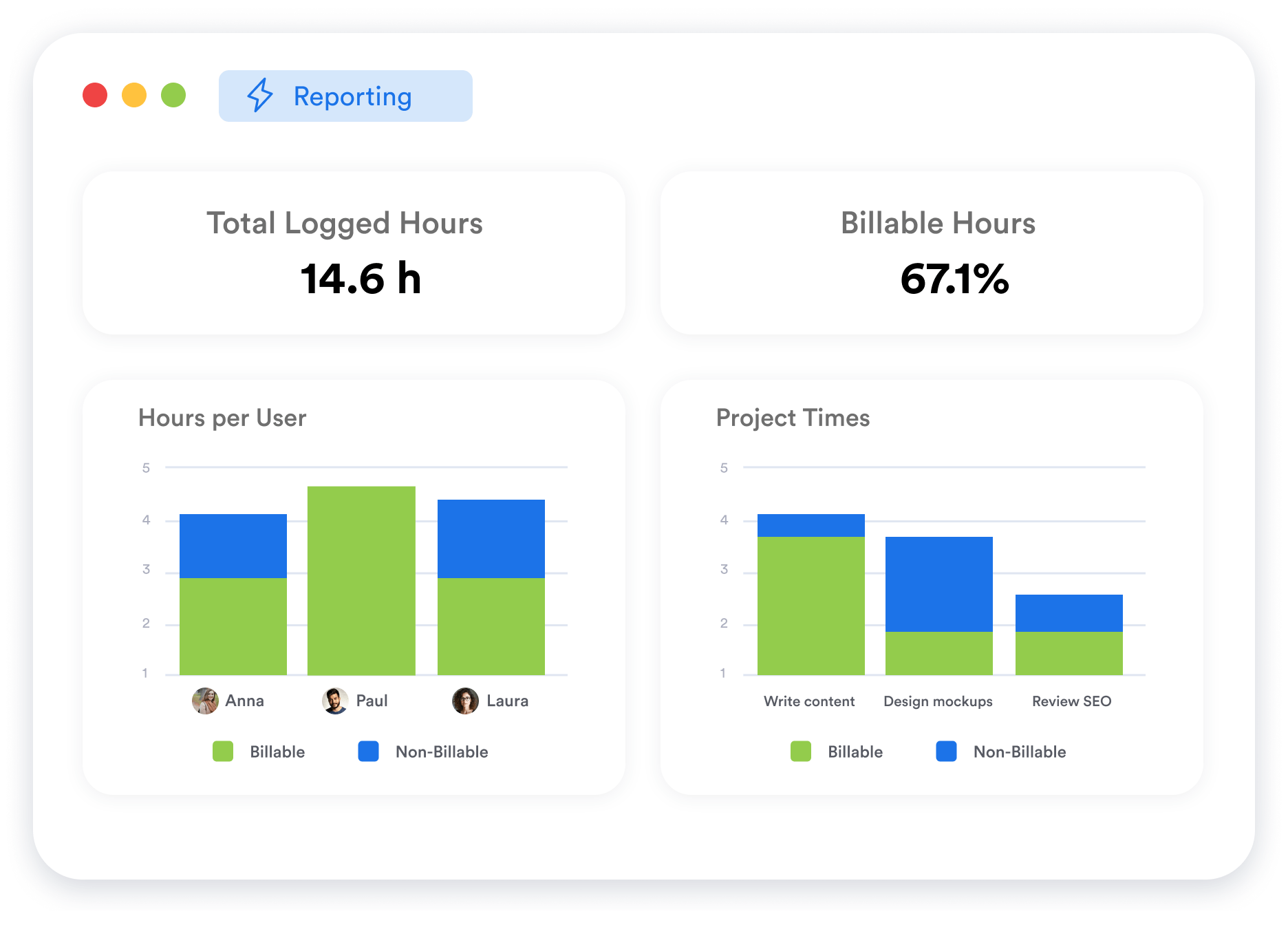
Analyze the billability of anything – projects, clients, services, and even team members. Memtime intelligently processes and categorizes all submitted time entries to help you improve performance and achieve profitability across the board.
Create time entries for CMAP

How does it work?

Your streamlined time tracking workflow in simple steps

1

Connect CMap

Memtime is integrated with CMap out of the box, which means you don’t need any custom setup. Select CMap from the available apps during the installation process and proceed.

2

Import projects

Memtime mirrors your CMap projects to help you assign times faster than ever before. We import your project structure into Memtime to set you up for success.

3

Make time entries

Based on what Memtime has captured for you, you can create time entries in 2 clicks and assign them to the right projects in CMap. Only you decide what to export.

4

Sync times

Time entries will appear in CMap automatically and in the right place. This is the magic of Memtime: it not only helps you remember but also minimizes your timekeeping effort.
Memtime free demo

Built for privacy. Trusted for security.

 Your activity data is yours alone – and stays offline.
Safety guaranteed
Increments for lawyers

FAQs

The beauty of Memtime is that you can forget all about it
What Memtime subscription do I need to be able to connect CMap?
Can I use Memtime for free?
Is my device compatible?
Does Memtime also work on terminal servers, ASPs, Citrix etc.?
Who can see my data?
How does Memtime know what I’m doing?
Why do I need an extra tool to track time in CMap?