A quick follow-up or a longer consultation, phone calls are part of your working day. Memtime’s Android time tracker automatically records your call durations, so you can review them on your computer. Then you can easily turn work calls into time entries for your clients and projects by connecting Memtime to your preferred project management or ERP software. No need to remember how long you spent on the phone.
• Available in Memtime Premium and above
• Available for Android 16 and above
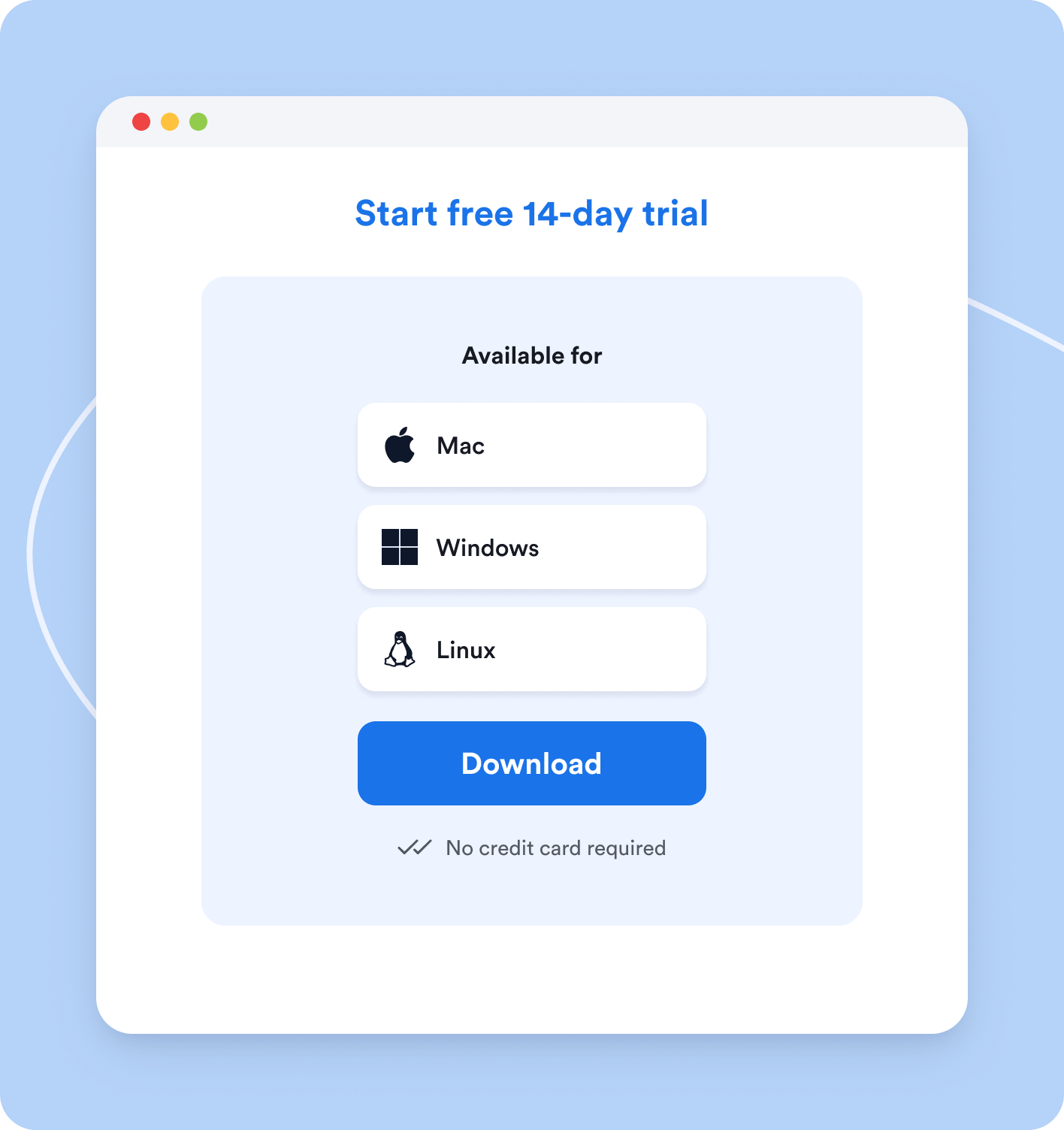
No credit card required
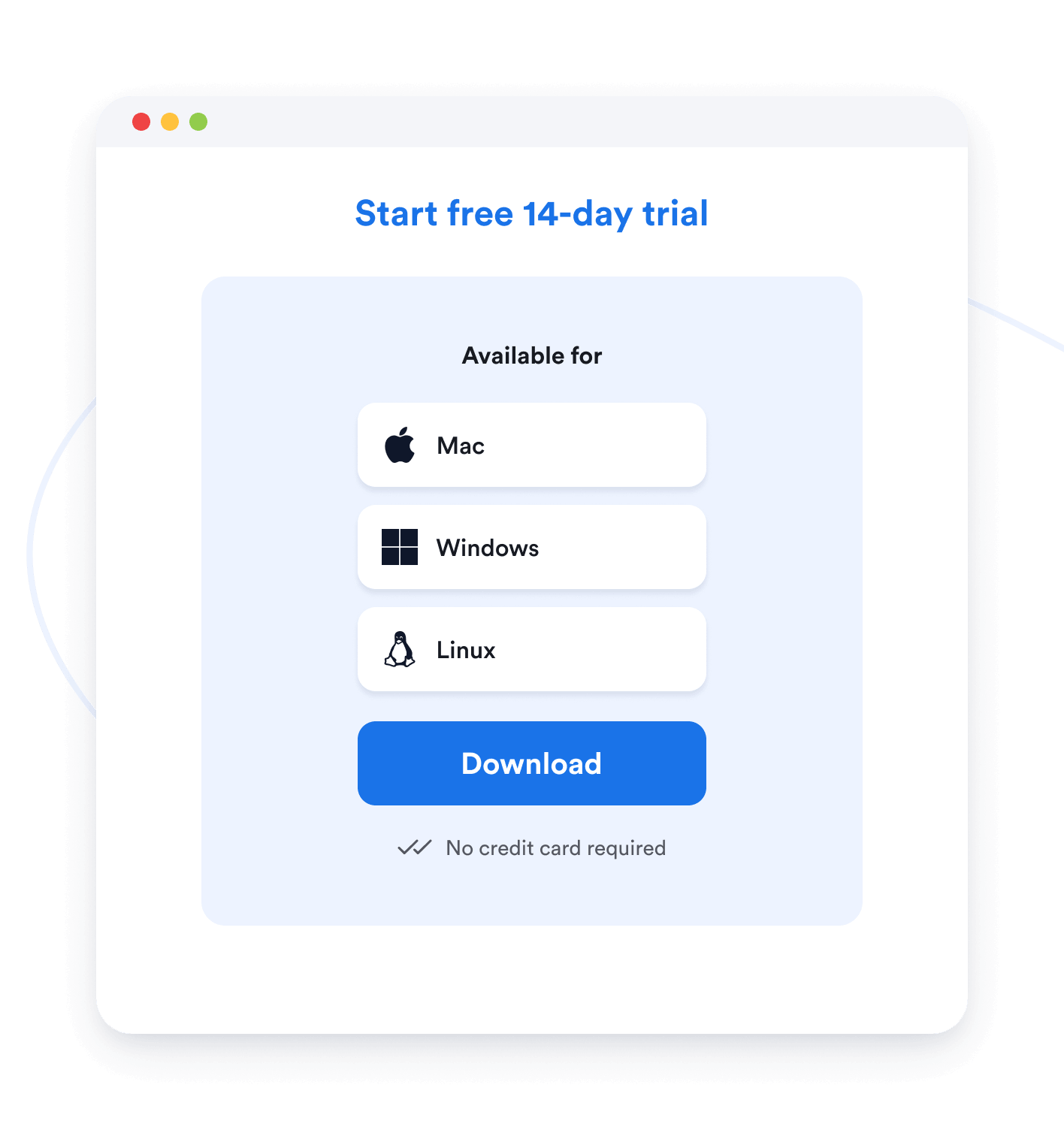
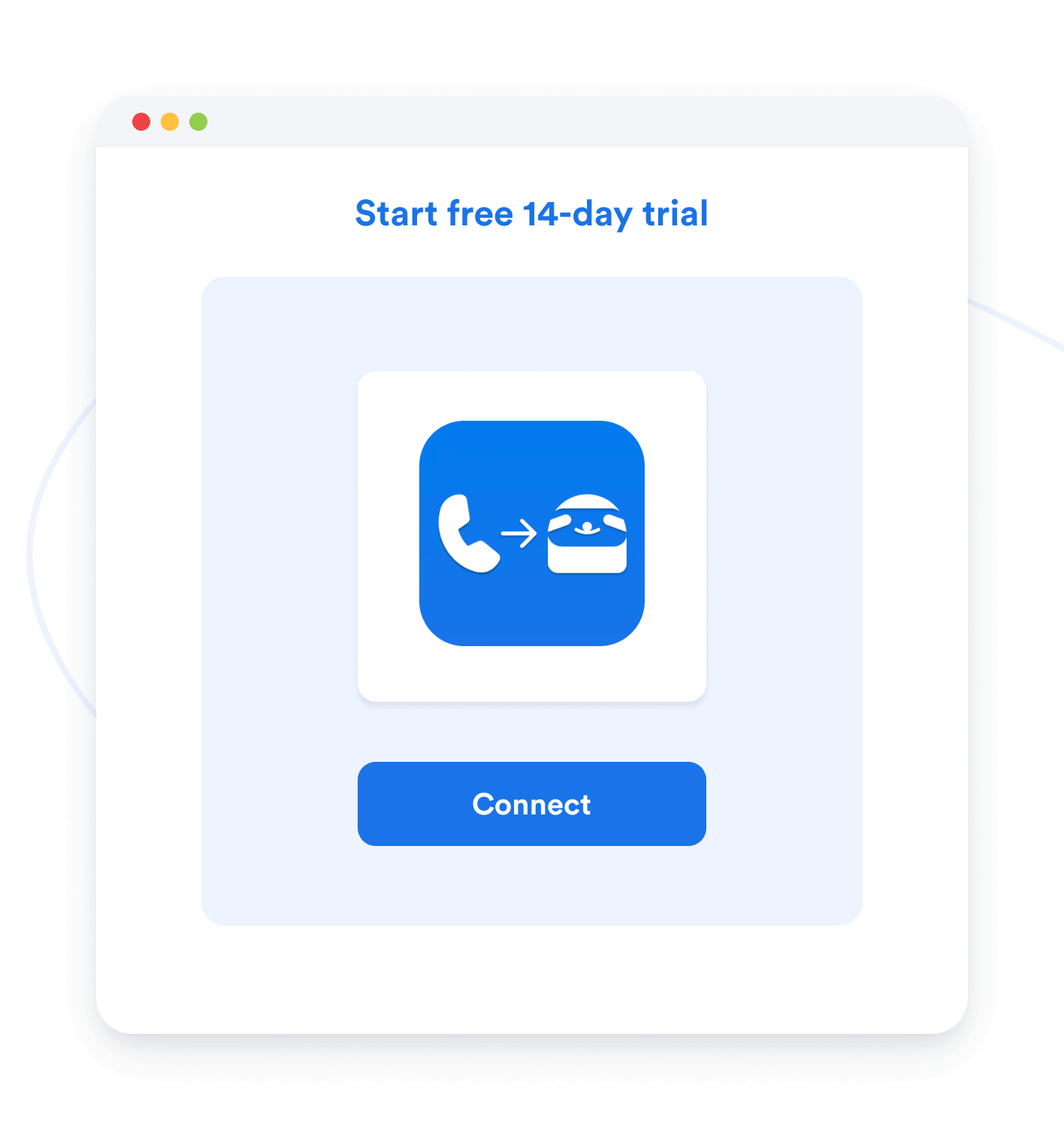
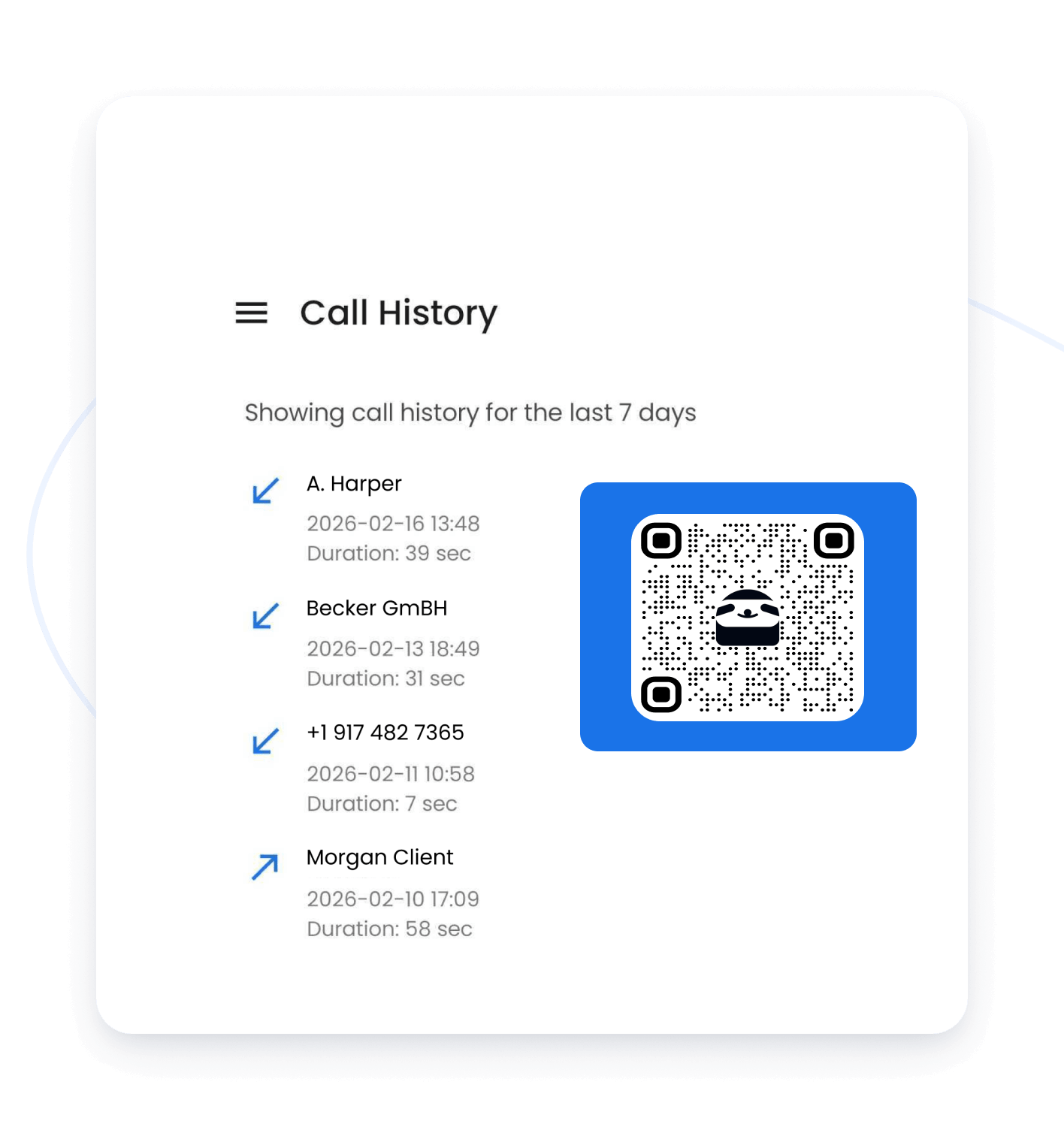
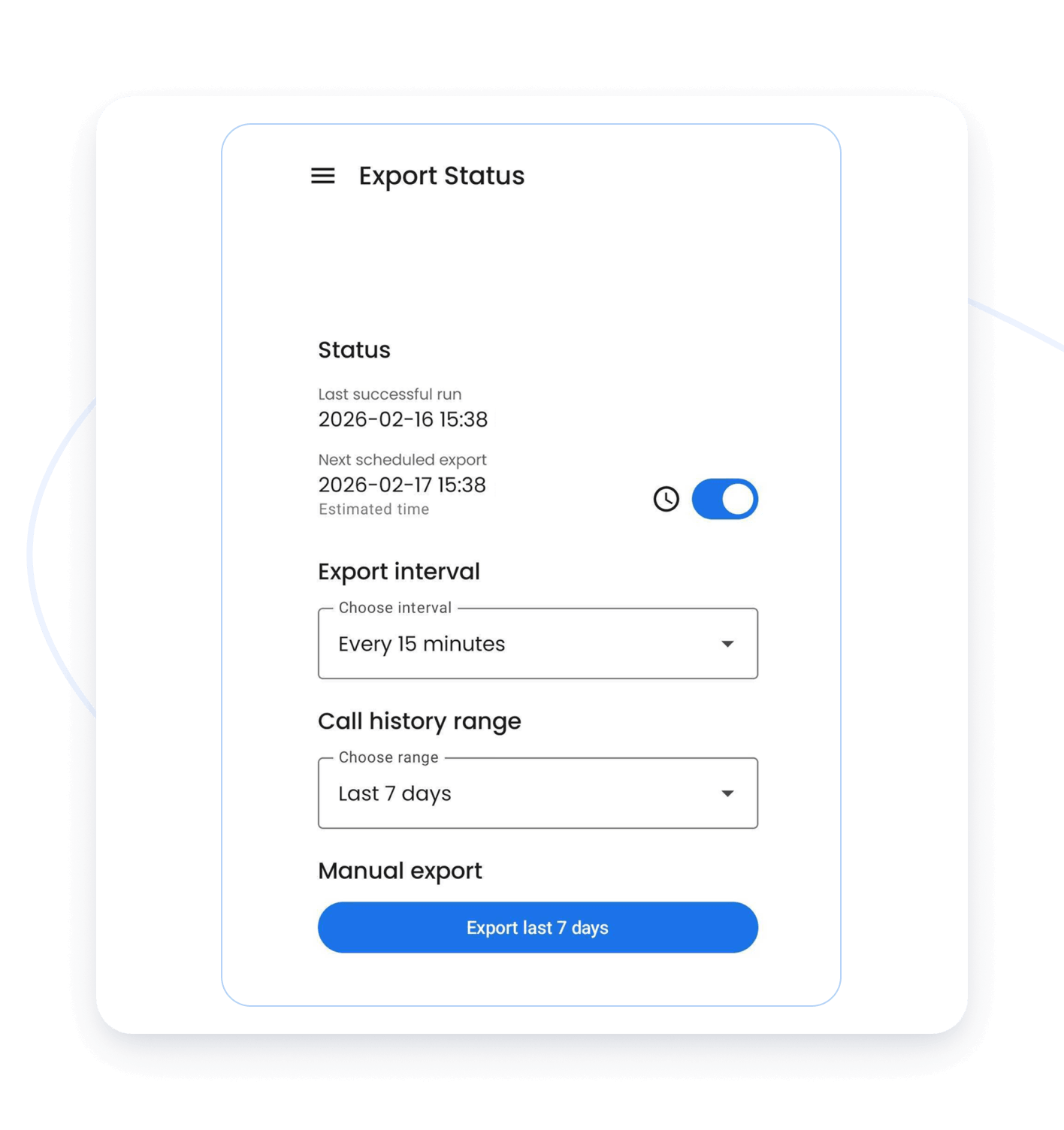
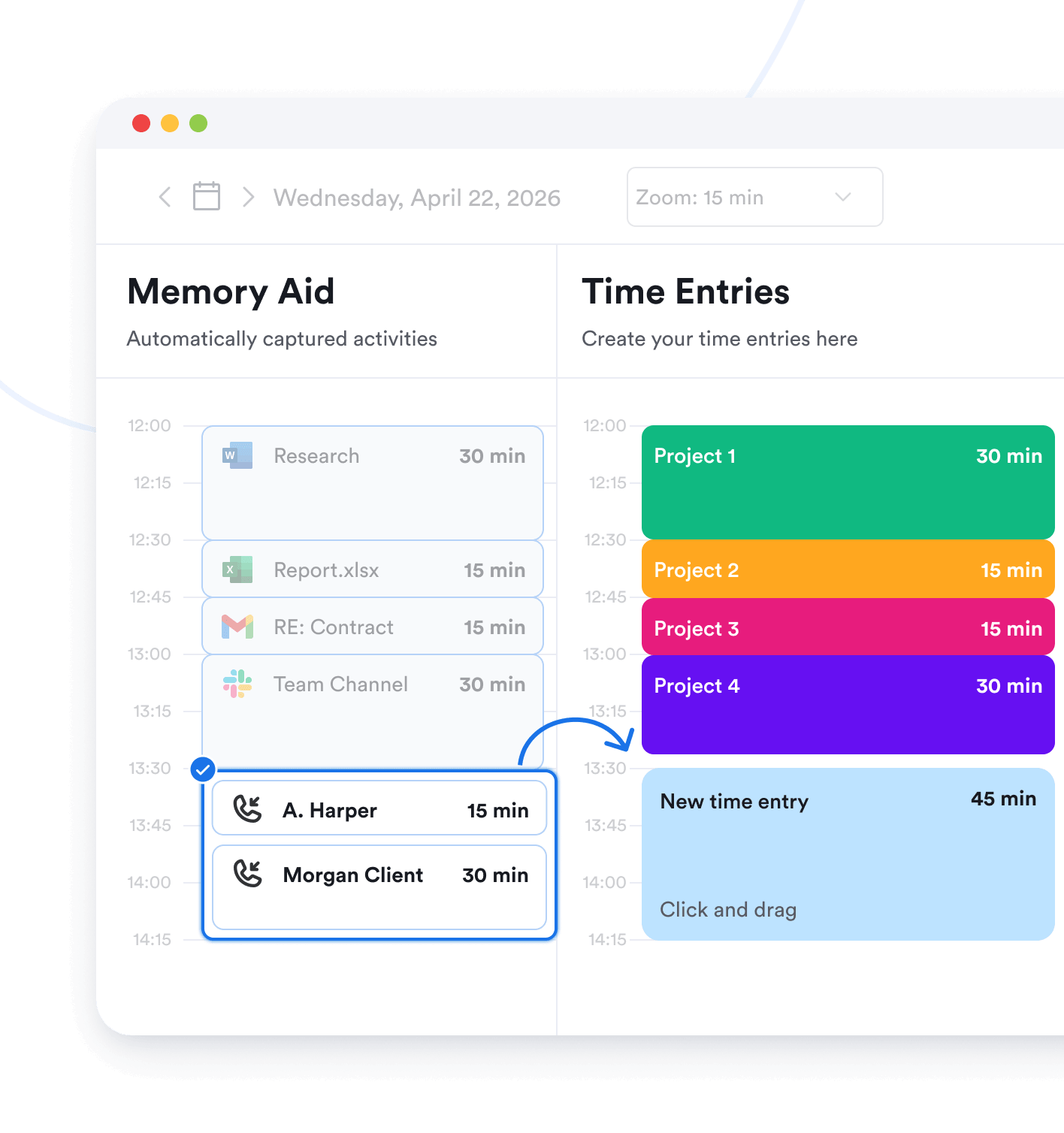
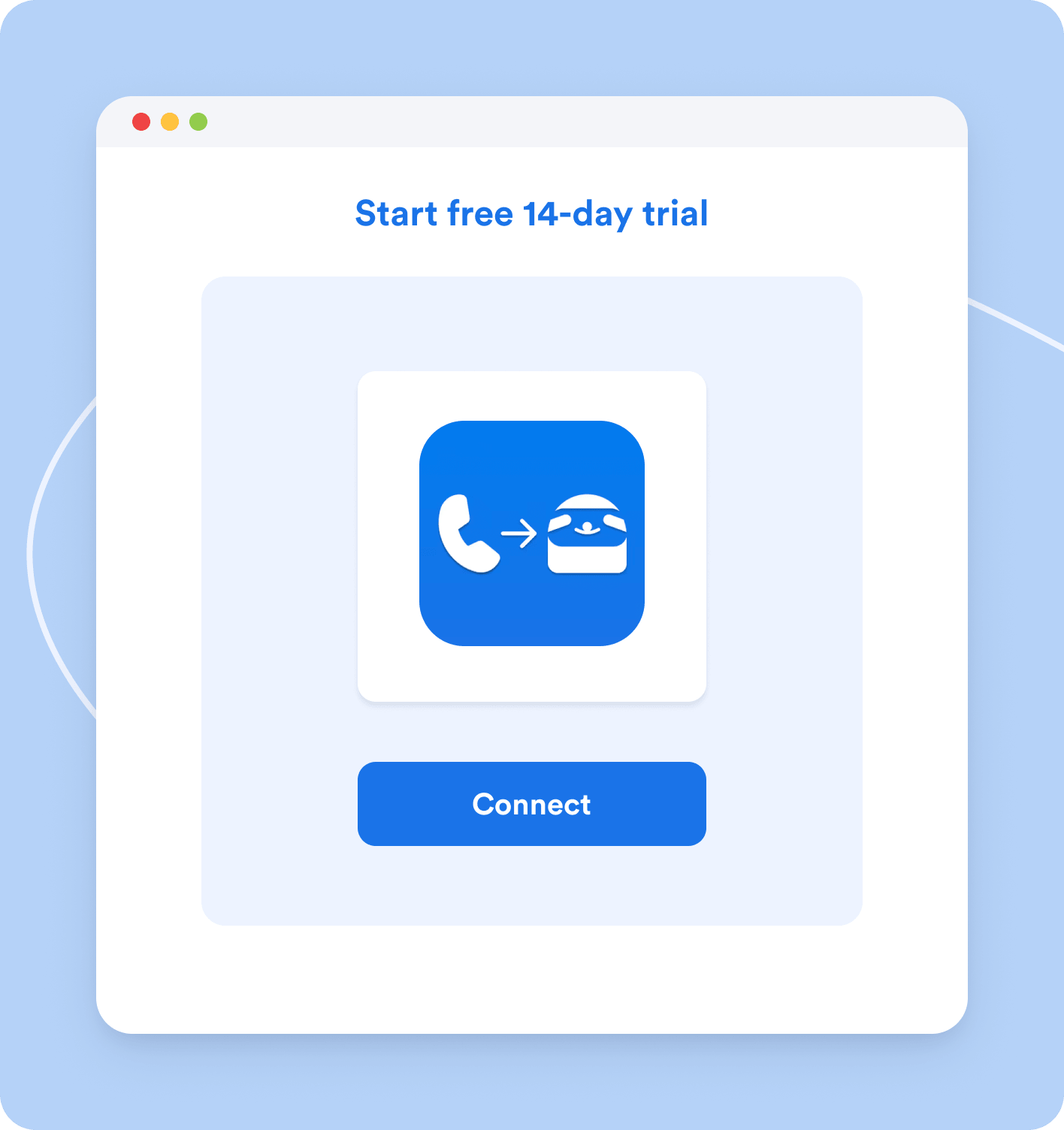
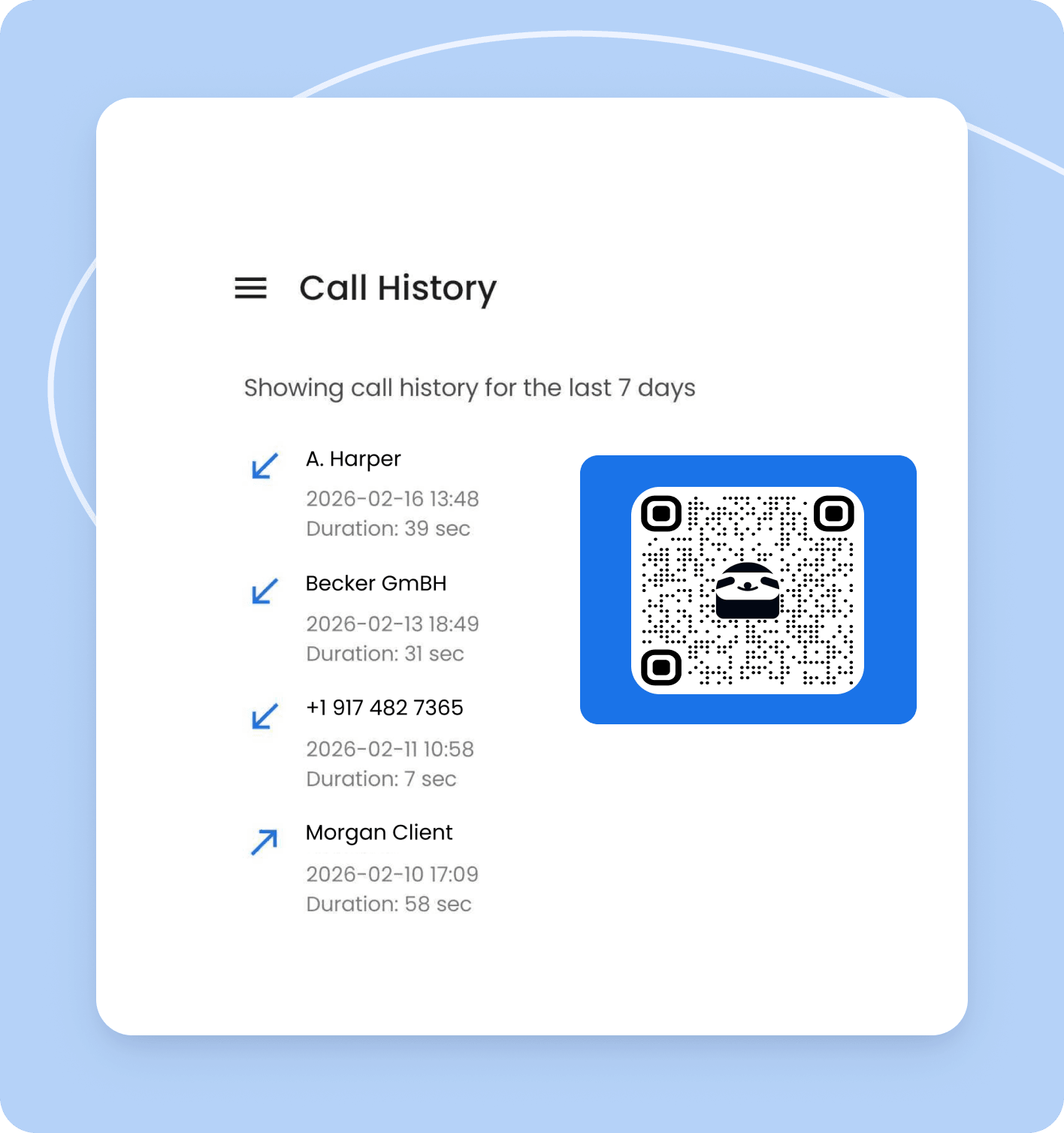
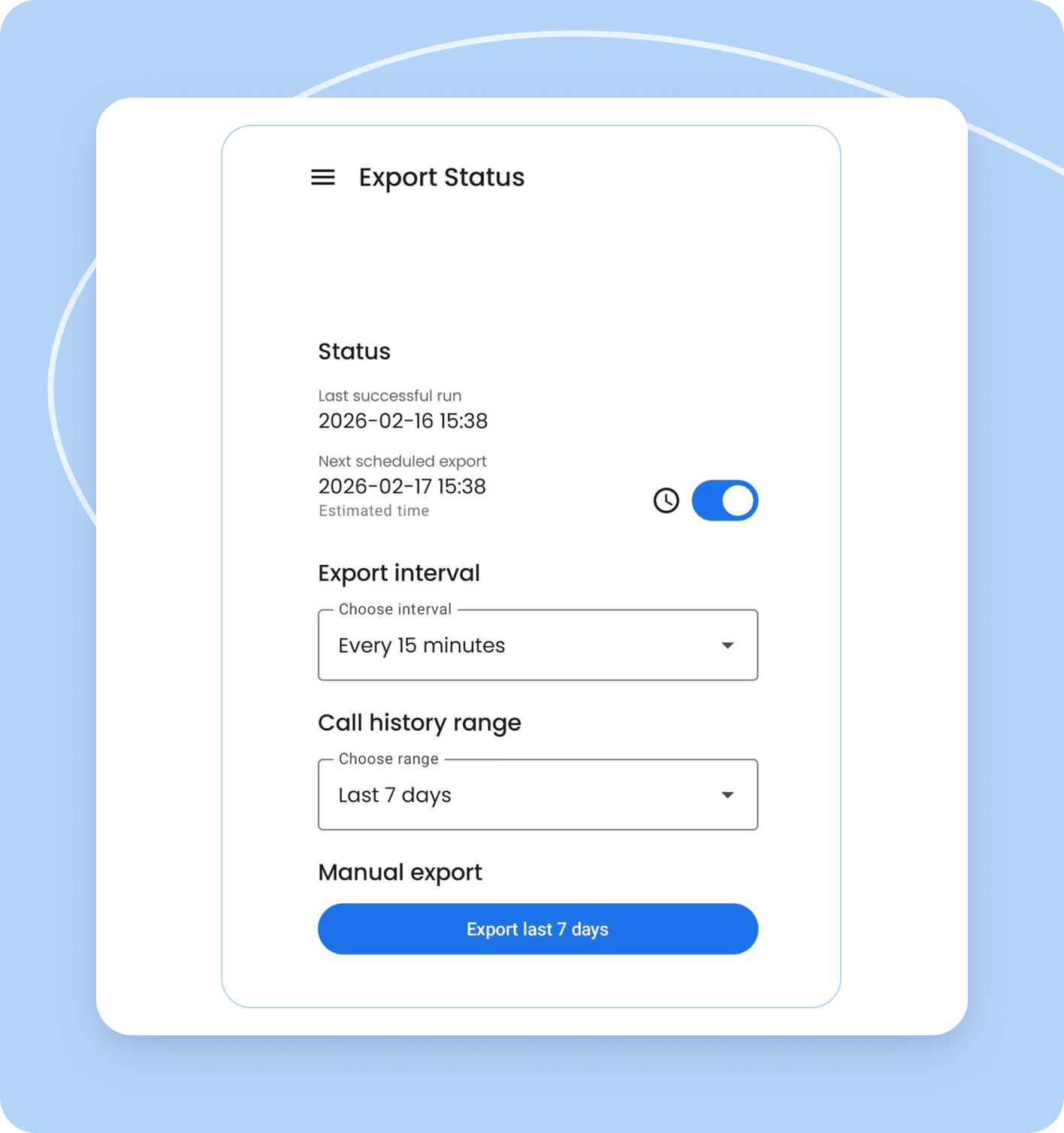
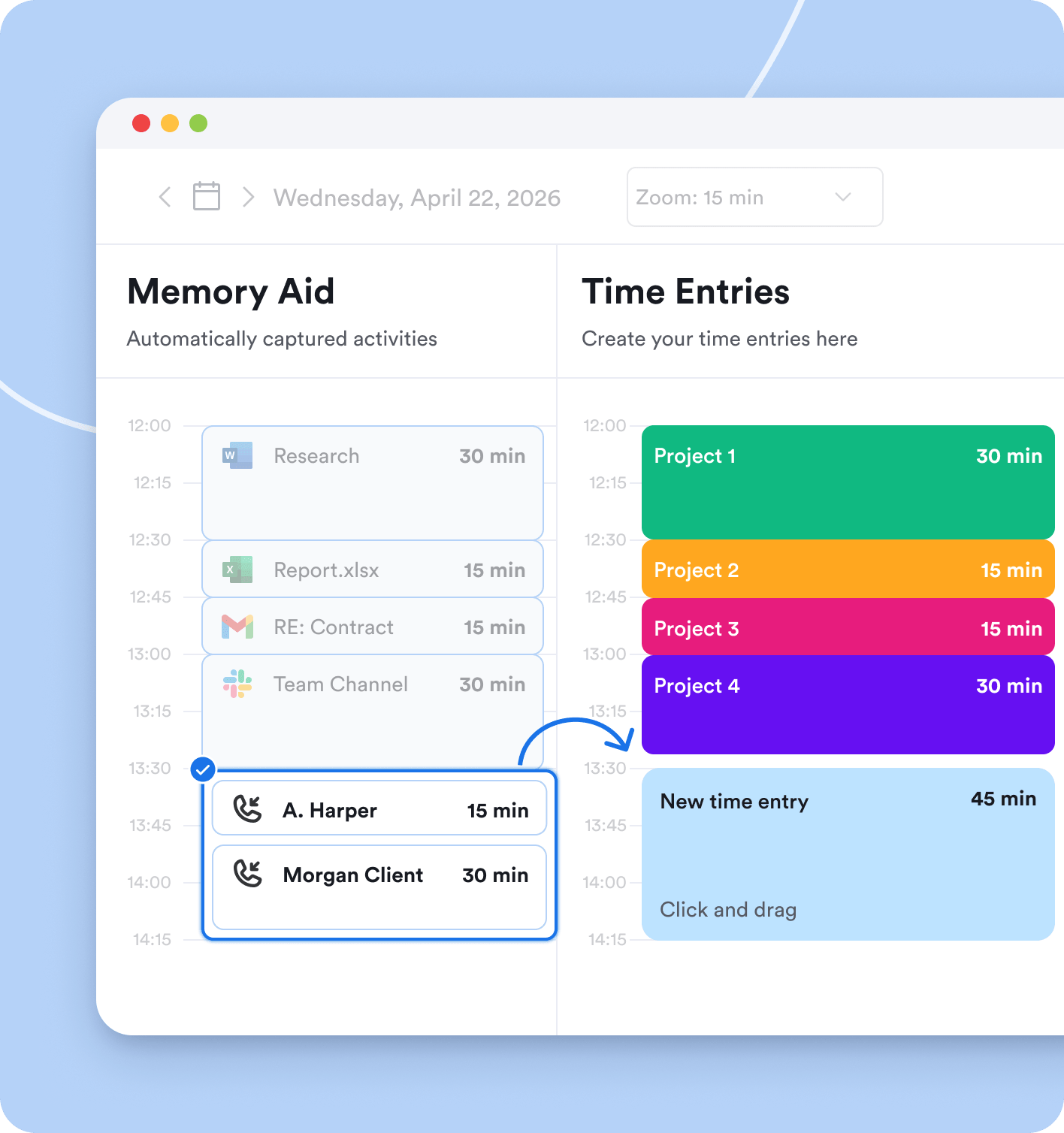
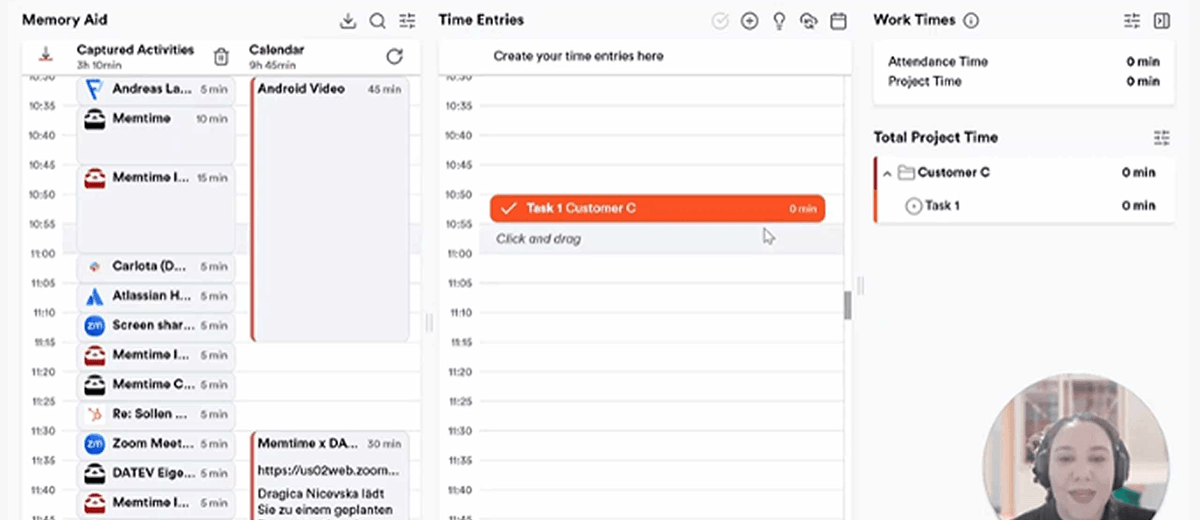


Memtime is a memory assistant app that follows your mouse and keyboard to capture the name of the program running in the foreground. That’s how it’s able to record your day in 1-minute intervals and display everything you’ve been doing on your computer. Now it can automatically track the duration and history of your Android calls too. To get started, connect Memtime Android Call History and install the app on your Android phone. You can find detailed setup instructions in our Knowledge Base article.
Yes, phone call tracking in Memtime is also available for iPhone. By connecting your iPhone to Memtime, you can set up call tracking on your Mac. Similarly to Android, Memtime allows you to convert your iPhone calls into time entries by automatically recording their duration.
Memtime desktop app really tracks all computer activities. Every program, document, email, video call, meeting and every browser tab. But you can try it for 14 days for free to be sure.
Yes. Memtime is not billed per device, but per user. This means that every user can install Memtime on as many devices as they like. However, the Memtime desktop app runs on Windows, macOS, and Linux. To track calls, you can also connect your Android phone with the Memtime Android Call History app.
Yes, if you wish to do so. In the Memtime Android Call History settings, you can choose whether incoming, outgoing, missed, and unanswered outgoing calls are shown. You can also set a minimum call duration and hide specific contacts, so only work-related calls appear in your timeline.
Memtime is free to use for 14 days, after which you need to start a paid subscription. 100+ integrations with project software, call system integrations, premium support, and SSO are available with the Premium plan, starting from $21/mo per user with a 24-month subscription.
Memtime cannot be used for employee monitoring: It is an offline tool. All tracking data is stored exclusively on the user's device - and never on a server. That means no one else can gain access to it. Neither bosses, nor colleagues - and certainly not us at Memtime.
Yes, Memtime is integrated with 100+ project software out of the box. As long as you have Memtime Connect or above, you can effortlessly add Memtime’s automatic time tracking to your current tools and setup.