Meet Memtime Projects — a project management platform by Memtime
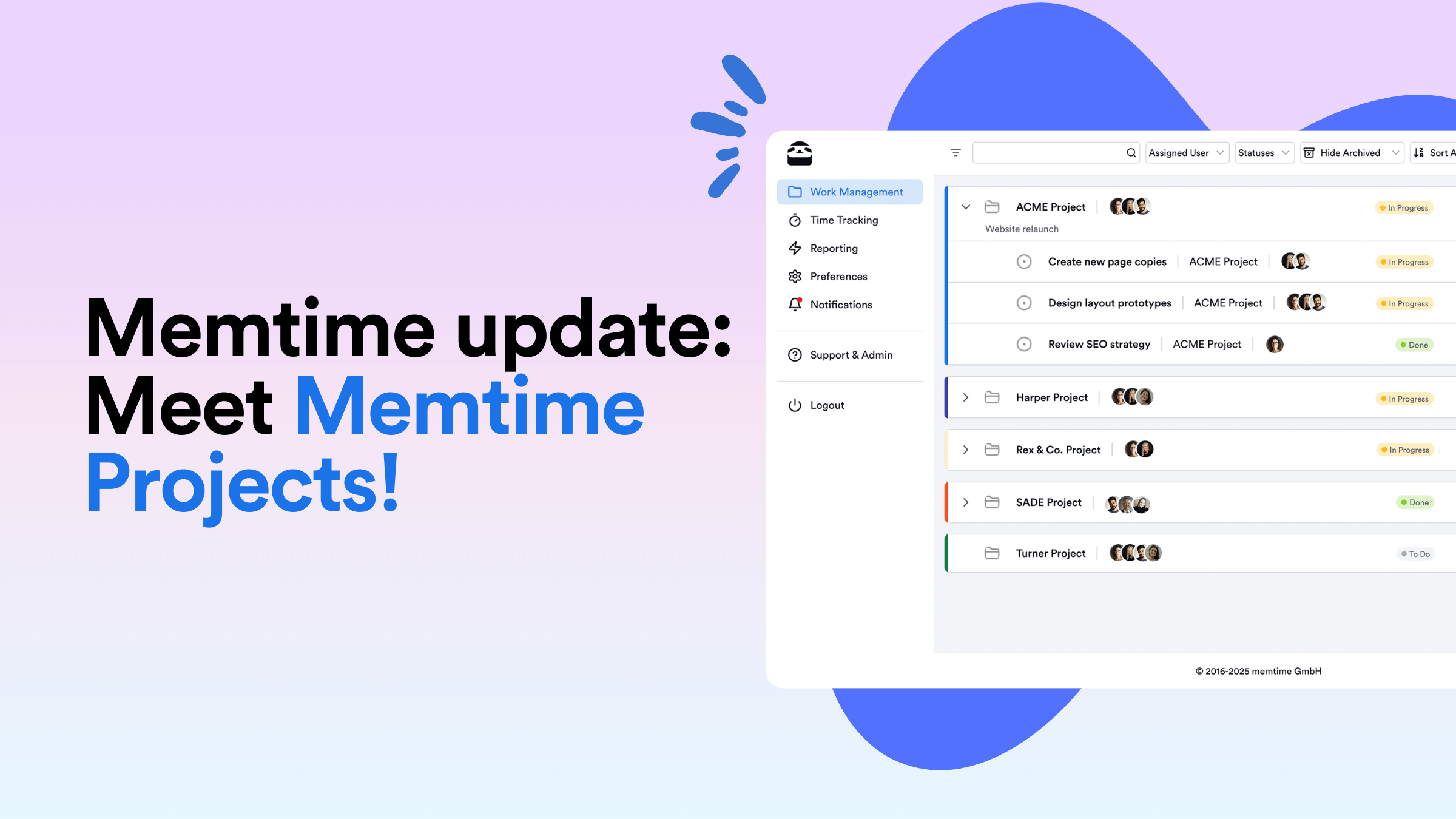
We’ve just released a major upgrade – our own project management platform.
You can create and manage projects and tasks, invite team members, set roles and permissions, manage project time, and monitor progress – everything you need to keep projects organized. And the best part – it’s already included in your subscription at no extra cost.
Let’s dig in closer to learn about it.
What is Memtime Projects?
It’s a web-based project platform designed for solo users and teams to set up, organize, and manage their projects — whether on desktop or mobile.
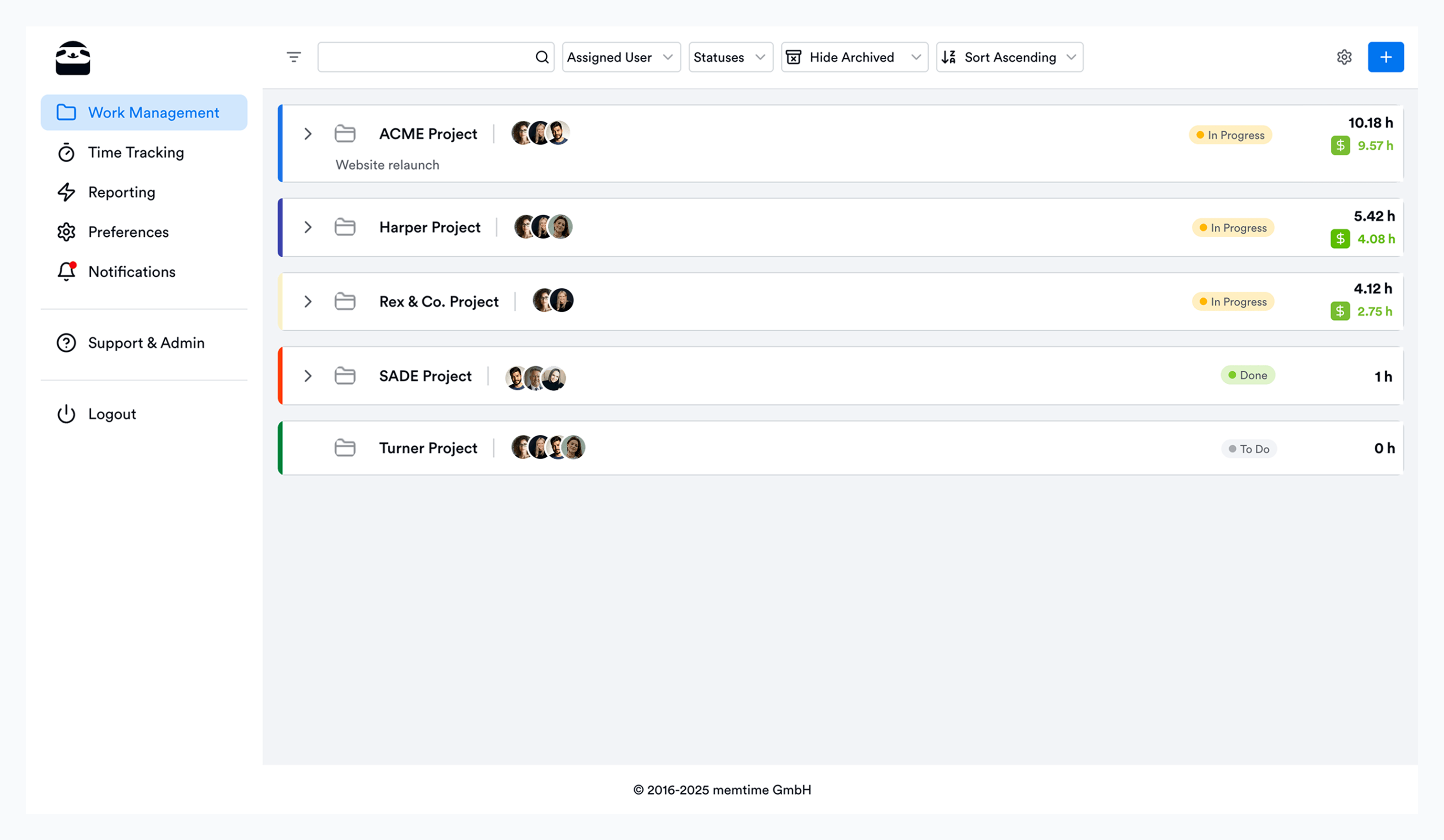
Before this release, Memtime users without an external project management tool created local projects directly in the Memtime desktop app, inside the Project Management tab. Just like with other integrations, they could create and assign time entries to Memtime Projects (local), and tracked time would appear alongside their projects and tasks.
However, this came with two limitations. One – time entries were locked to a single device. Two – it was impossible to share projects with a team.
This now changes with Memtime Projects (cloud).
- Because your time entries are stored in a web dashboard, you can access them from any device — whether it’s another laptop, tablet, or mobile phone.
- You can invite other users to your projects, assign roles and permissions (such as Manager or User), and collaborate on tasks together.

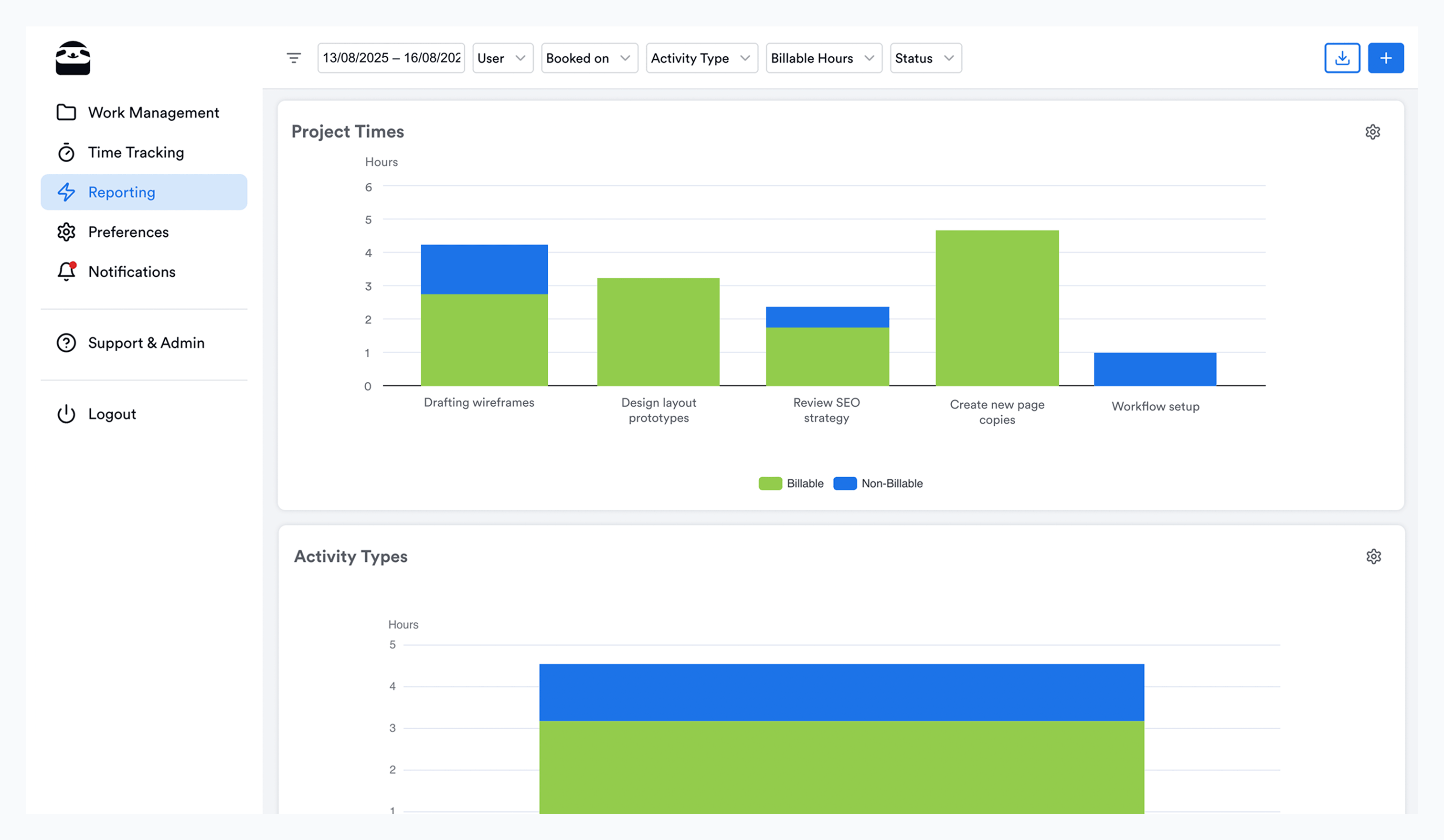
- As a Manager, you can view submitted timesheets by project and task, and analyze each team member’s billable utilization.
- Explore more reporting insights like project billability to help you allocate time effectively and stay profitable.
Does Memtime remain privacy-focused?
Yes — we stay true to our privacy guarantee. All tracked activities (your Memory Aid) stay offline on your computer forever. When you create web-based projects in Memtime Projects, it works like any other external integration, i.e. only the time entries you create and assign to projects get exported. As a Manager, you can view the time entries submitted by your team members – but NEVER their activity timelines.
How do I start with Memtime Projects?
If you’re new to Memtime, start a free trial and create your account. During the signup process, select “I don’t use project software” – you’ll be redirected to the web project dashboard where you can set up projects and tasks and invite team members. Download Memtime’s desktop app to have both the automatic activity tracking and web-based project management.
If you’re already using Memtime, go to Connected Apps, find Memtime Projects, and connect it like any other external integration. Once your projects are set up, you can start assigning time entries to them.
If you’ve been using Memtime Projects (local), all your data – including entities, statuses, hierarchy structure, and activity types – can be exported to Memtime Projects with a one-time action by any user with a Manager role.
Check out the demo to see how Memtime Projects work:
Stay tuned
Even as you’re reading this, we’re developing new features to make Memtime even more useful for you. Let us know what other features you’d like to see in Memtime and we’ll consider them for future updates.
If you don’t yet use automatic time tracking and would like to see Memtime in action, book a custom live demo now and we’ll show you around, answer any questions, and start a free trial on behalf of your team.